Every picture here is the real app, current version, untouched. The same download runs on an Android phone, on the TV itself, on Windows, macOS and Linux — over Wi‑Fi, no cable — so the screens below come in all three shapes. If you like what you see, the download is one section away.
On your phone
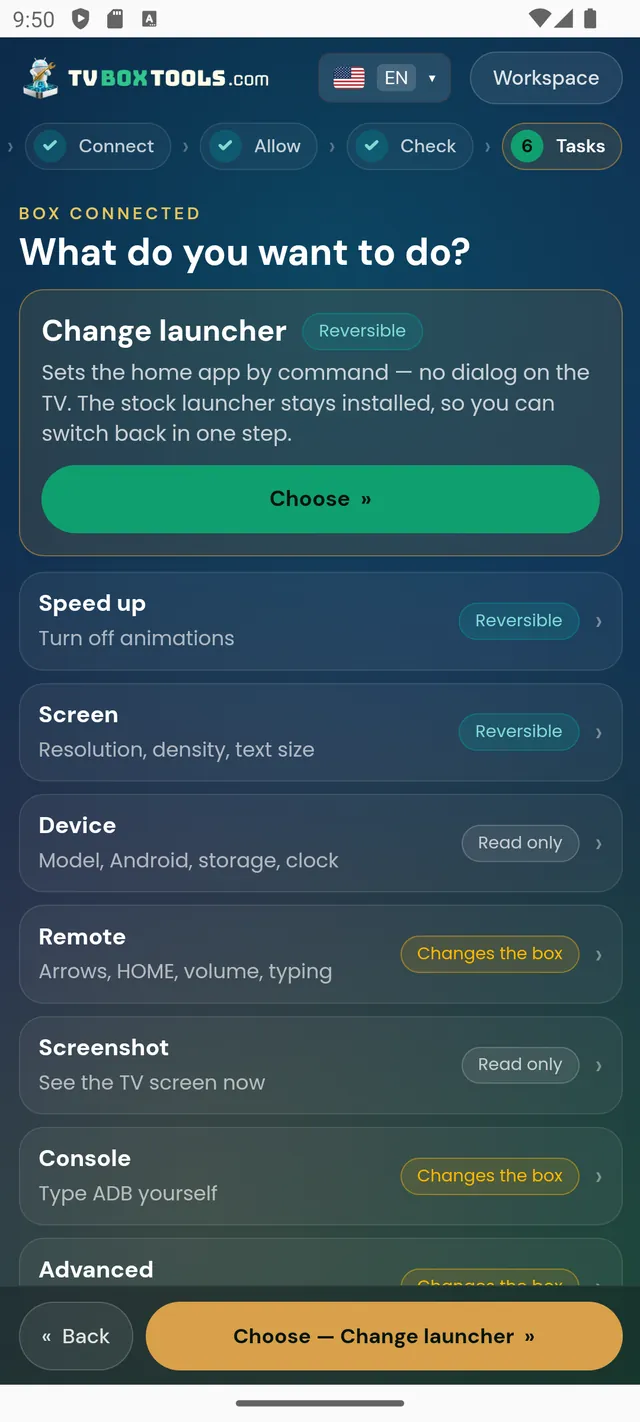
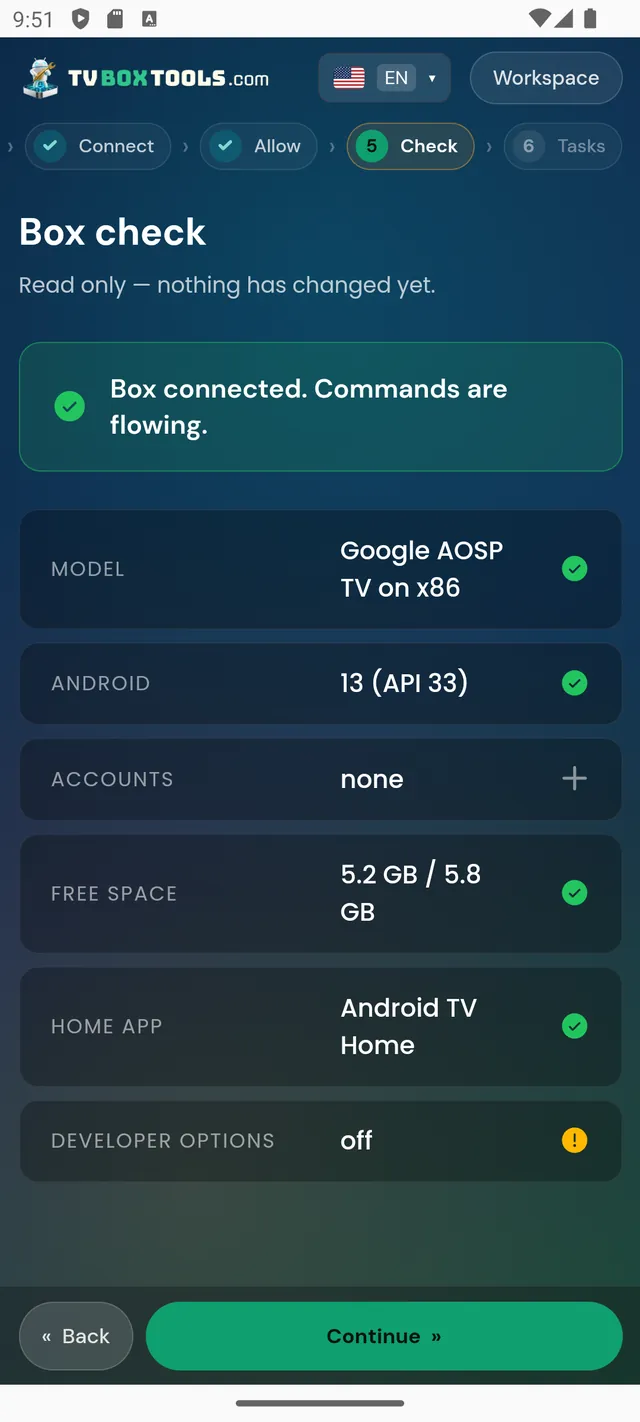
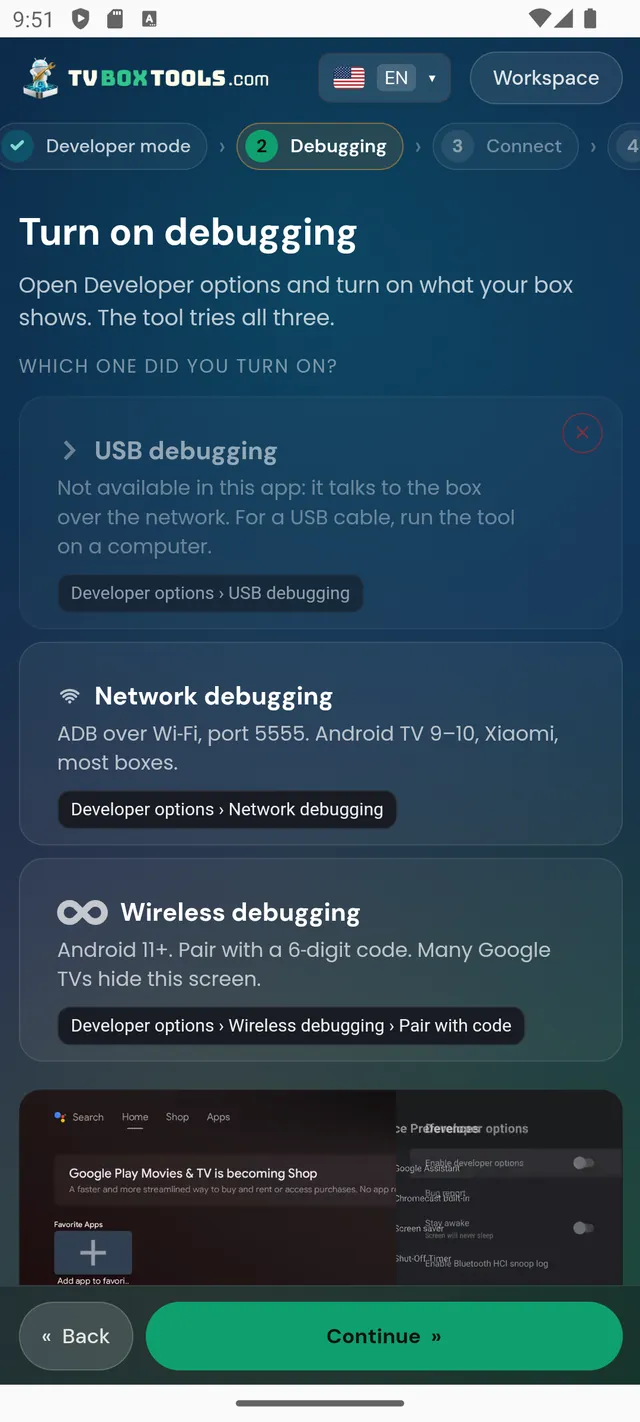
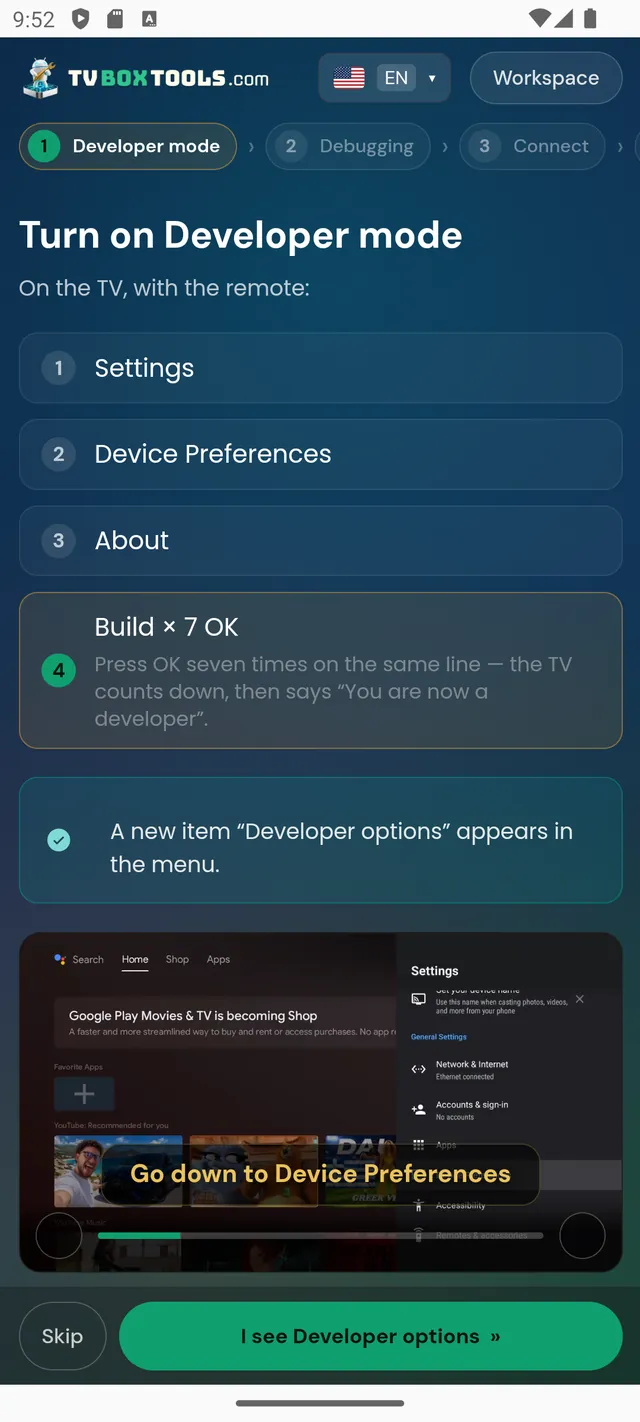
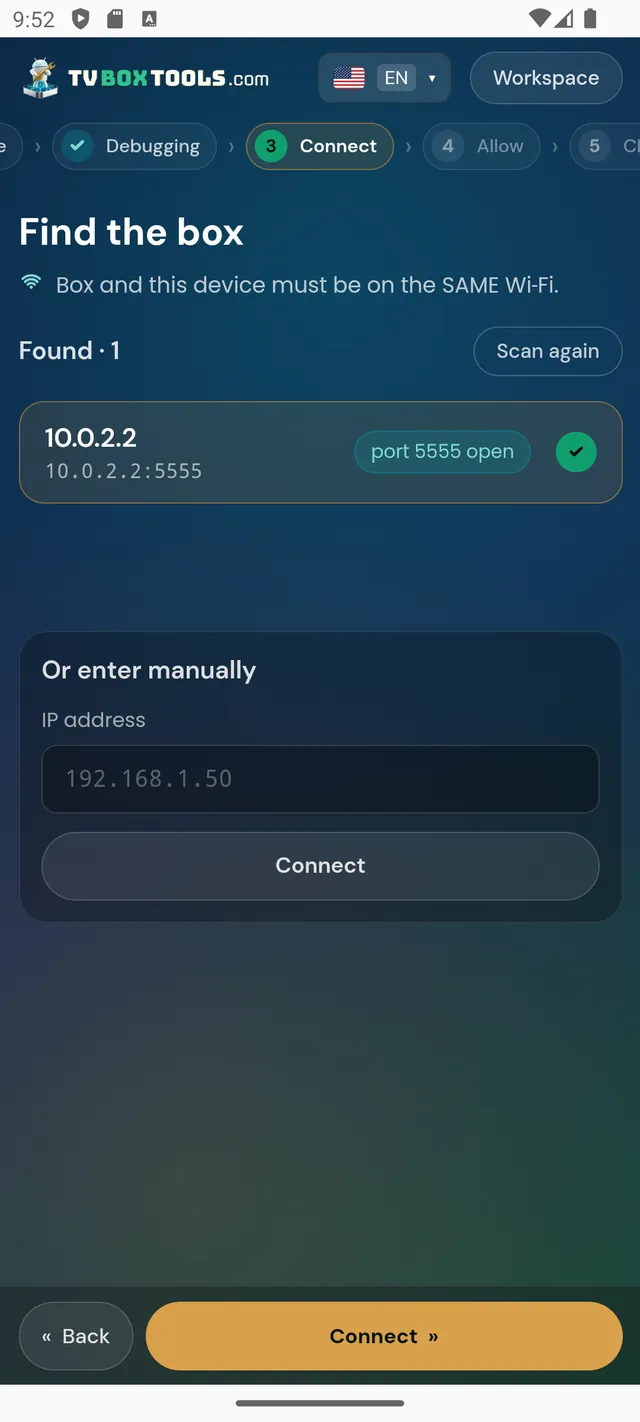
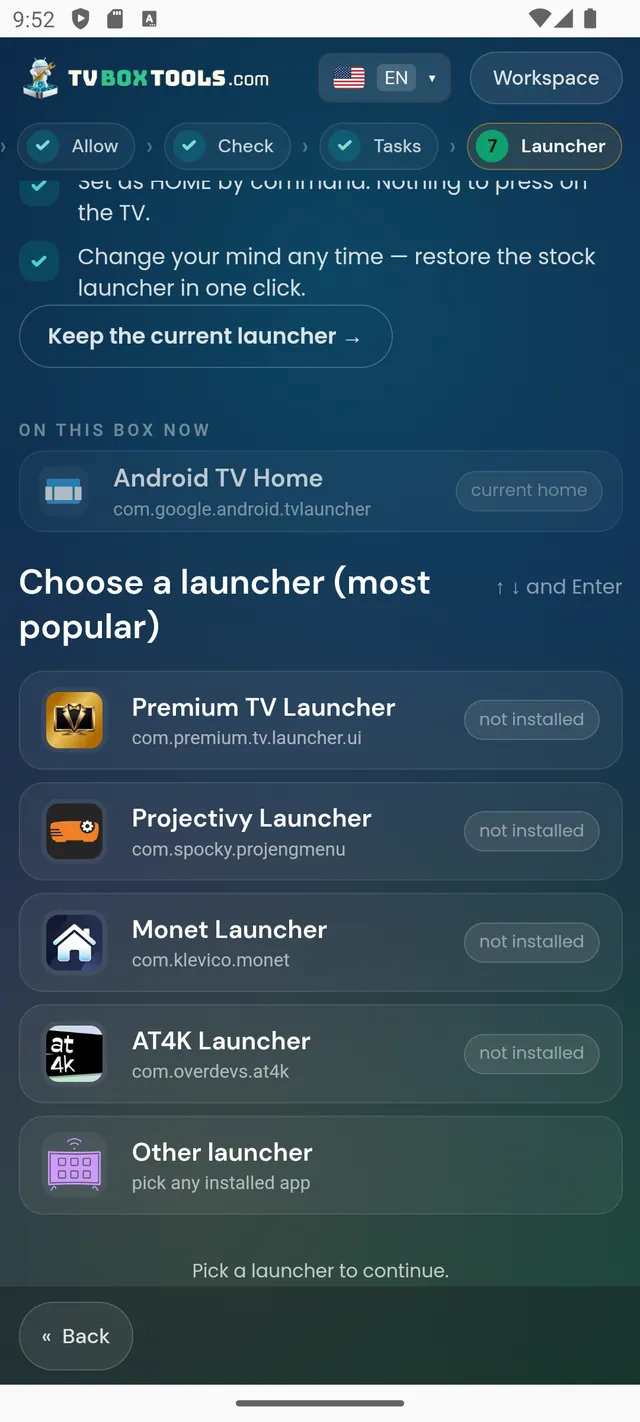
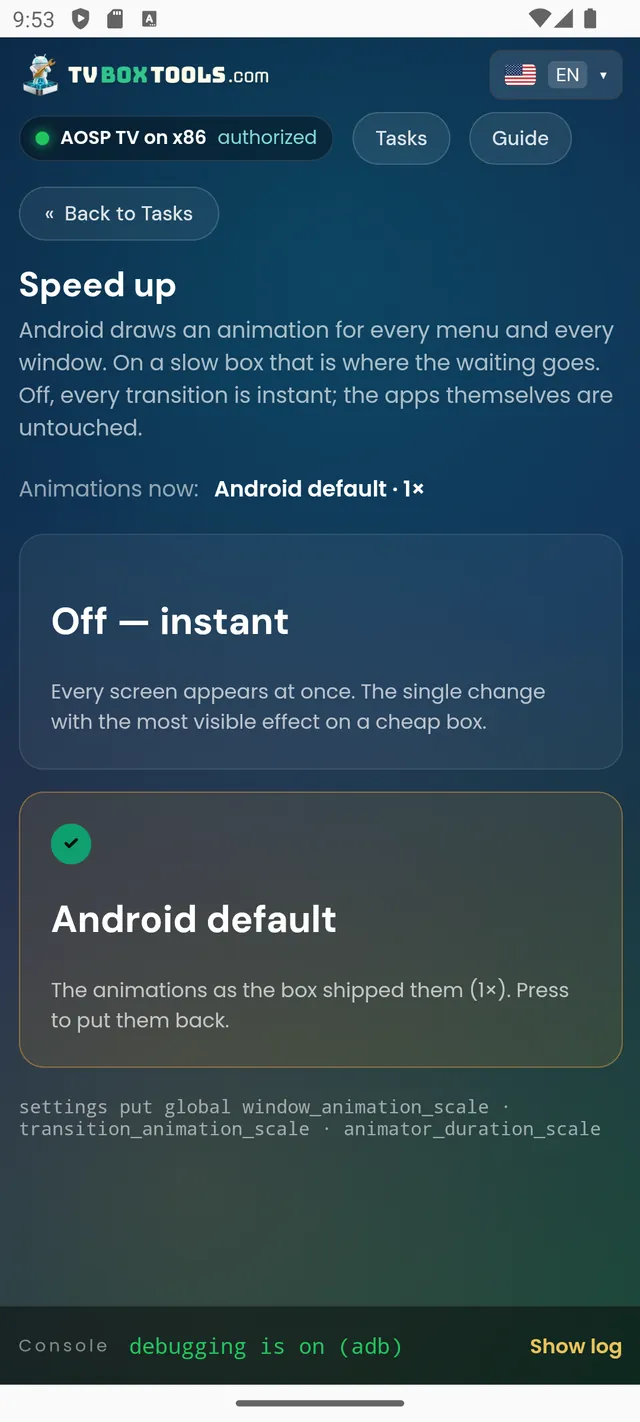
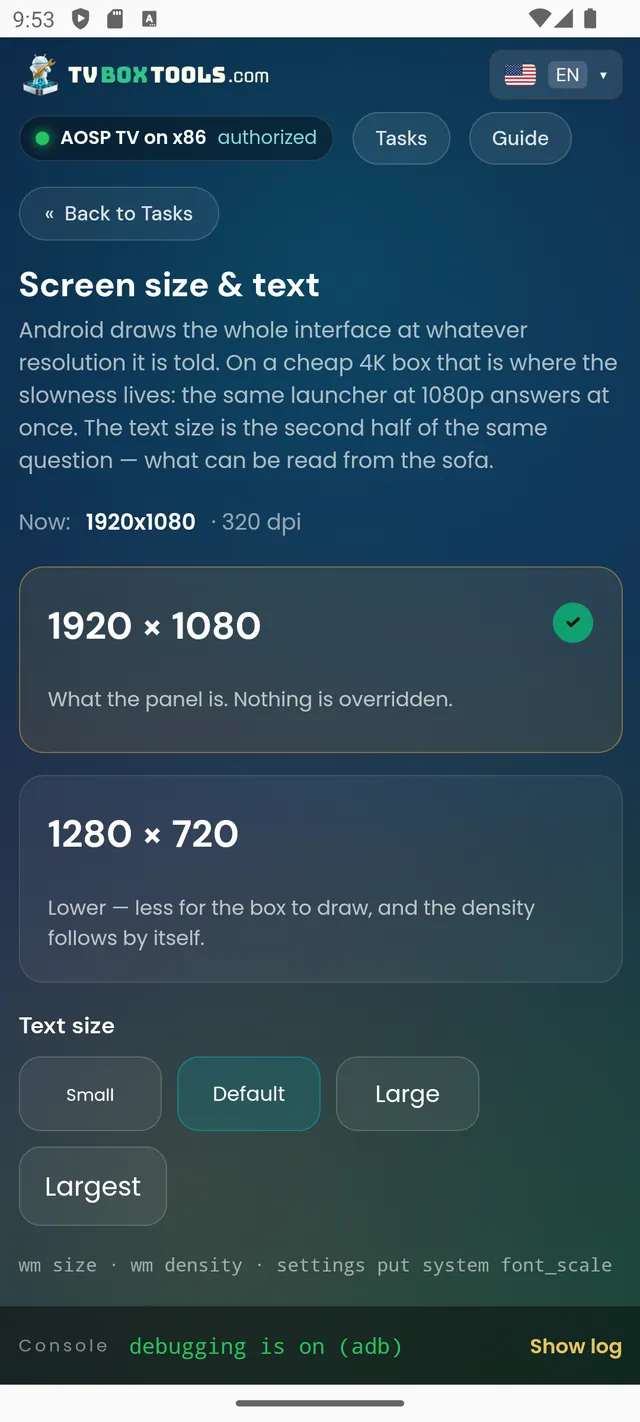
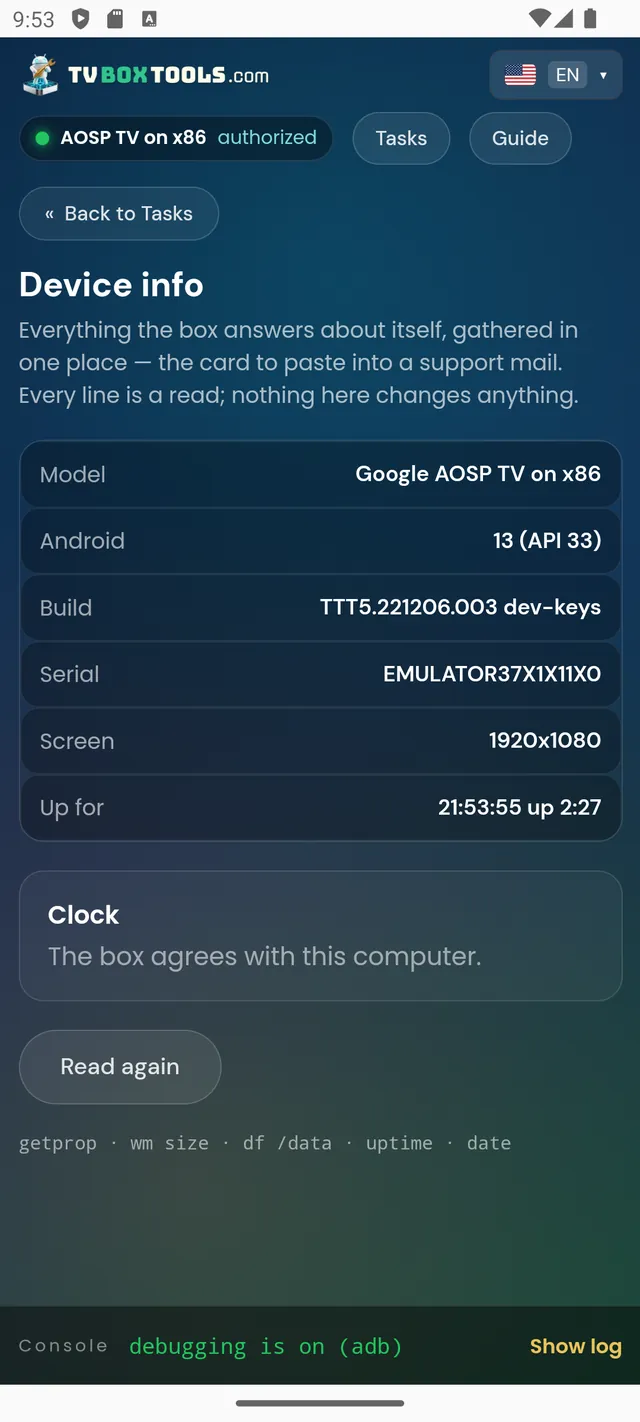
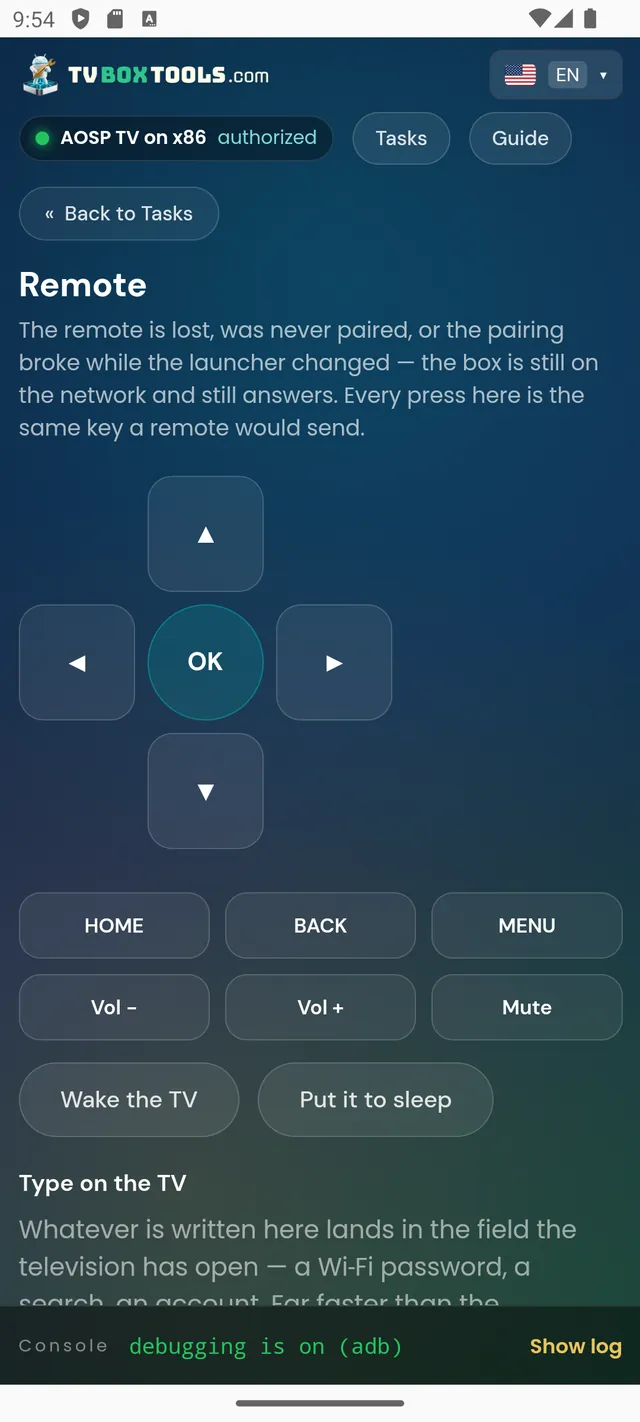
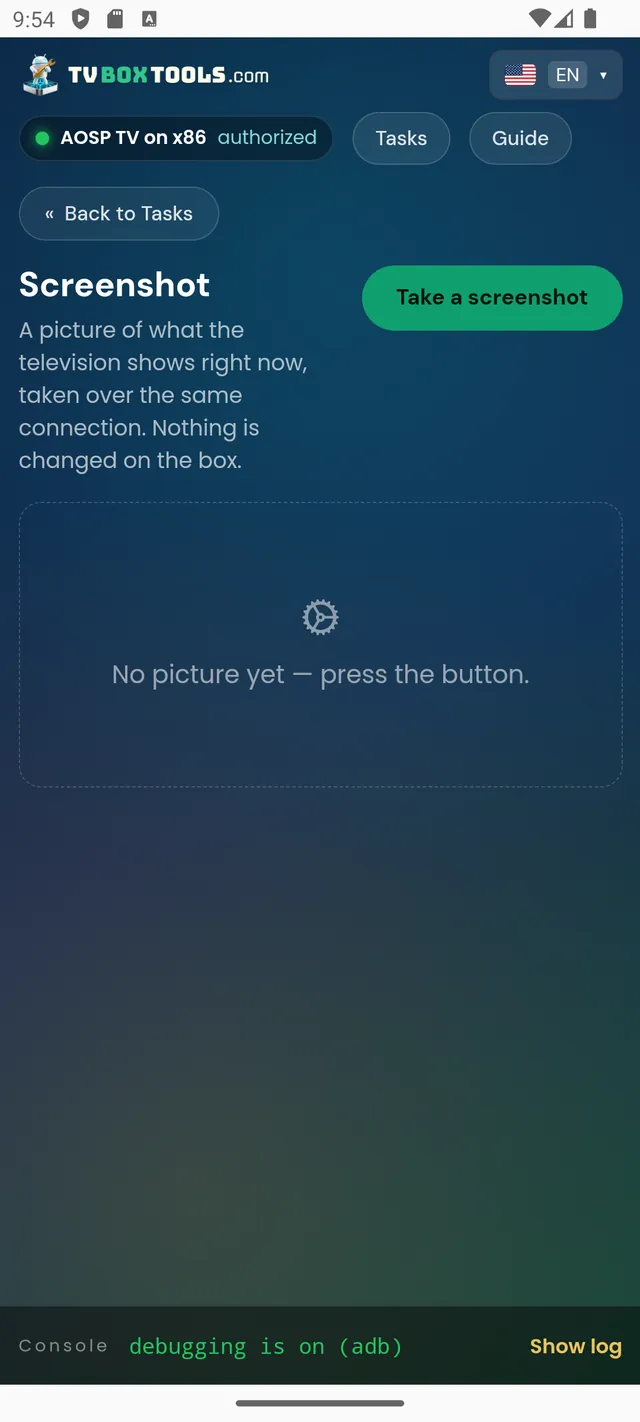
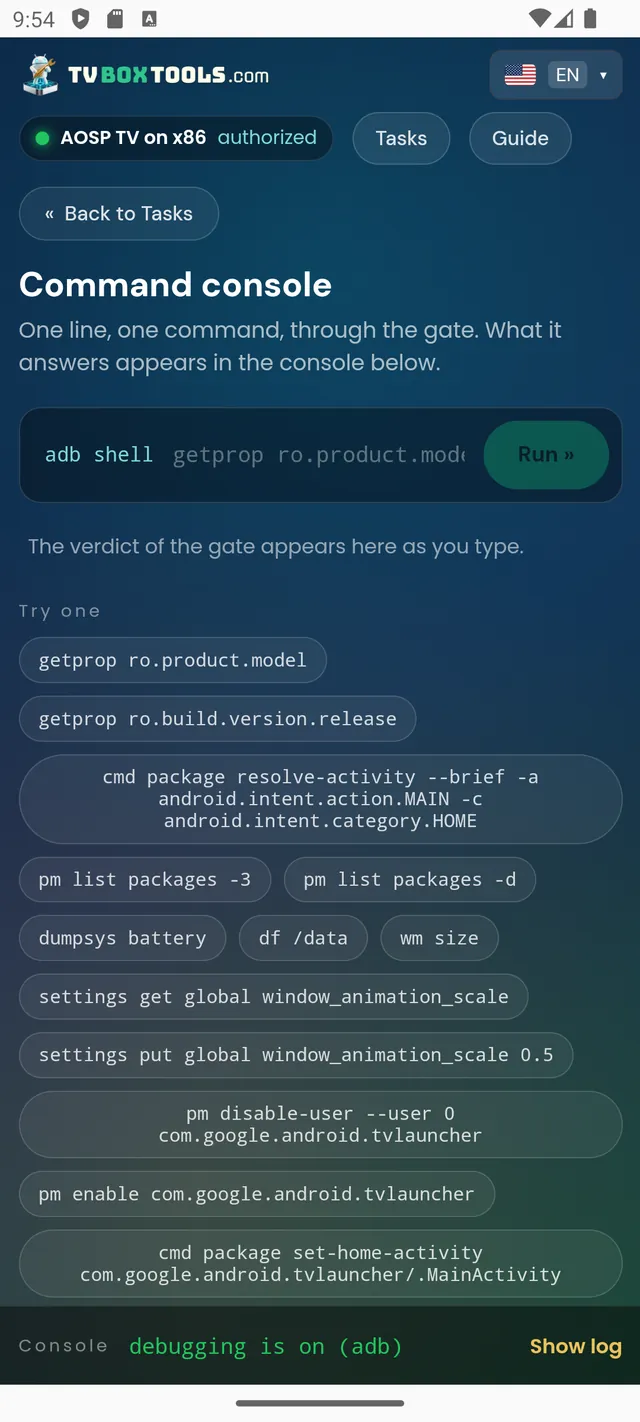
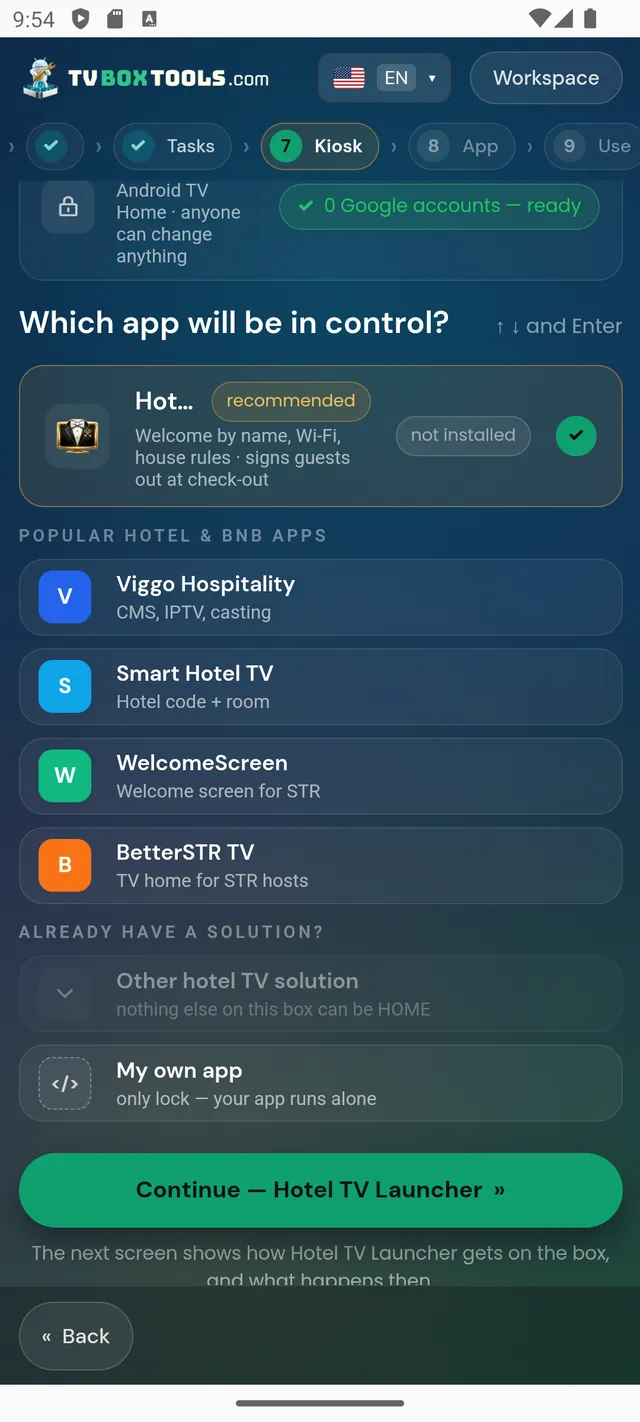
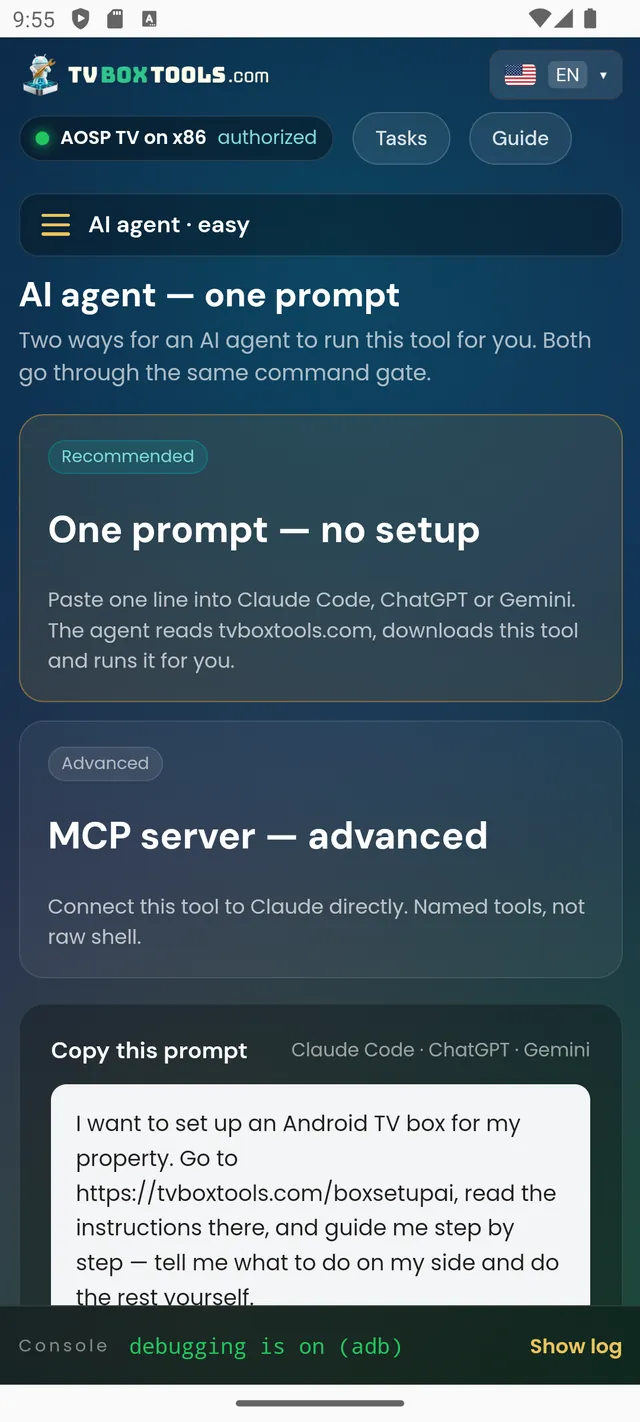
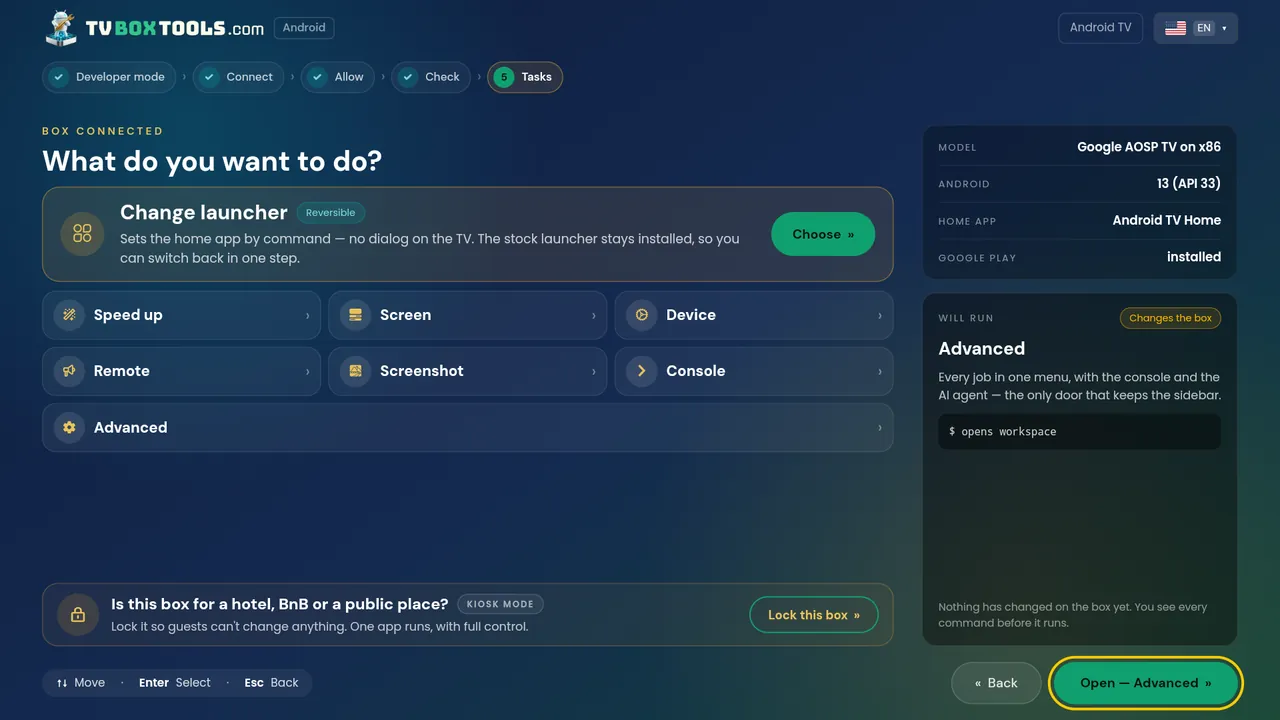
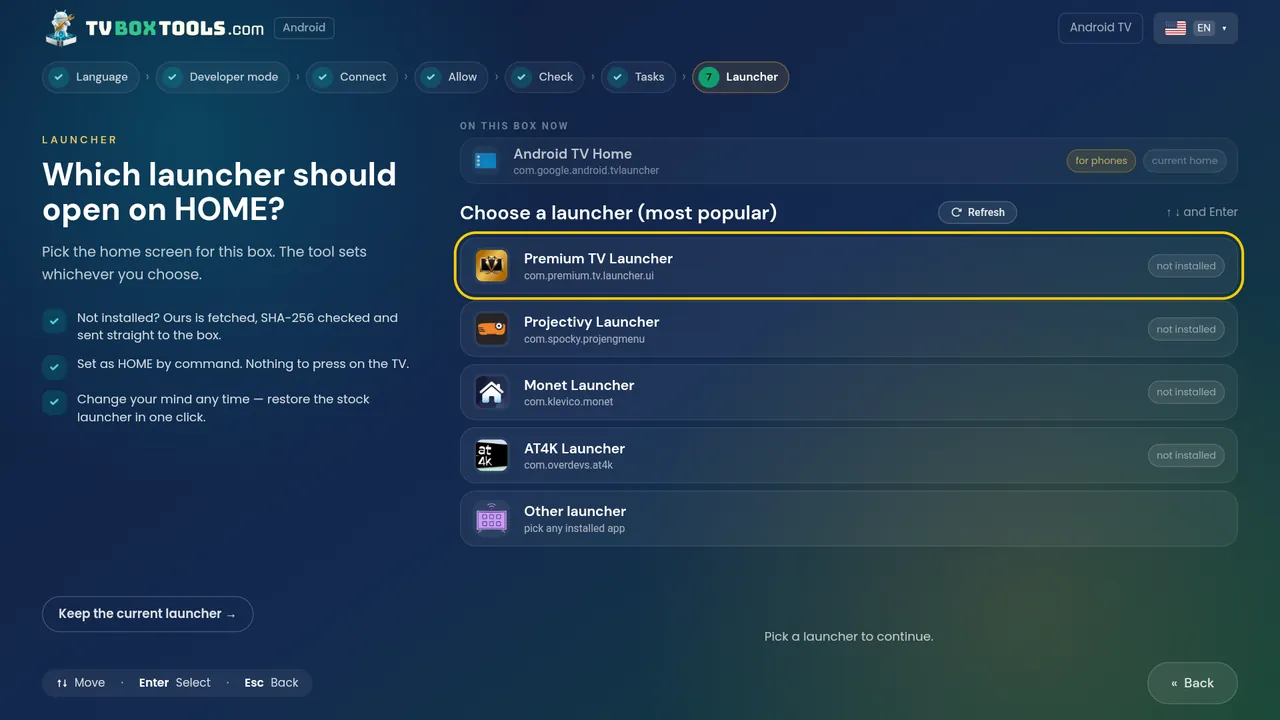
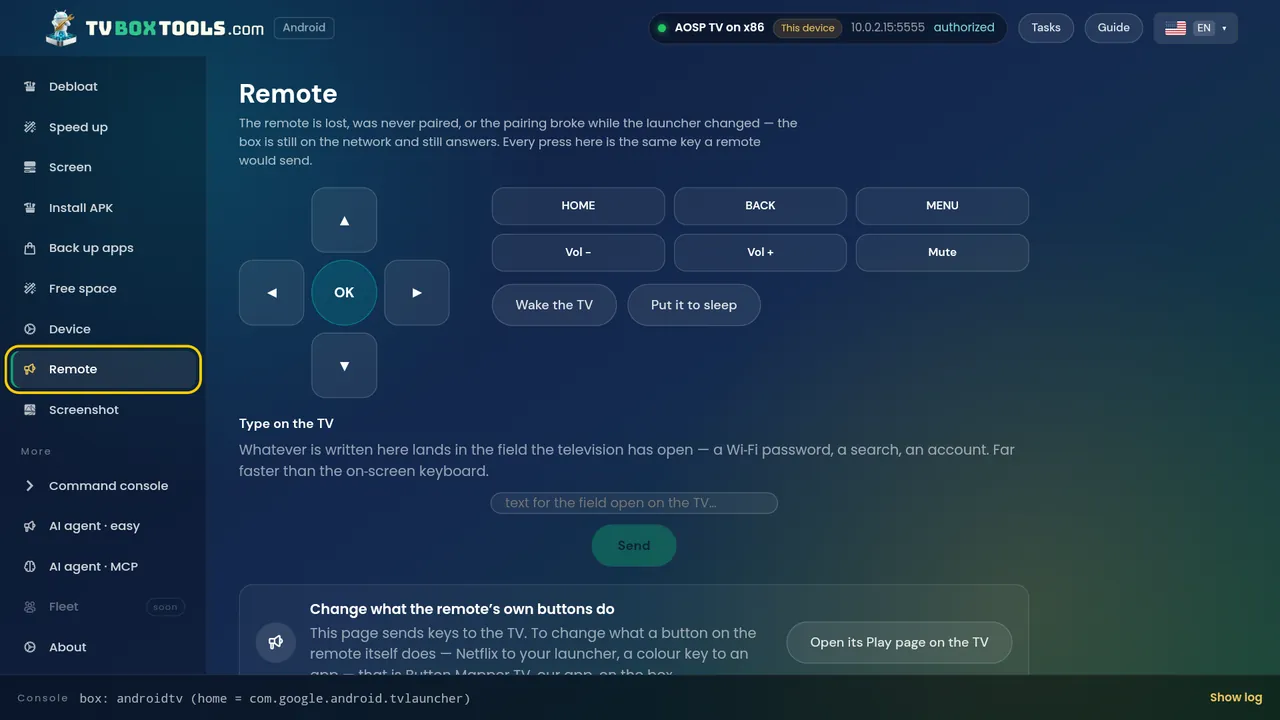
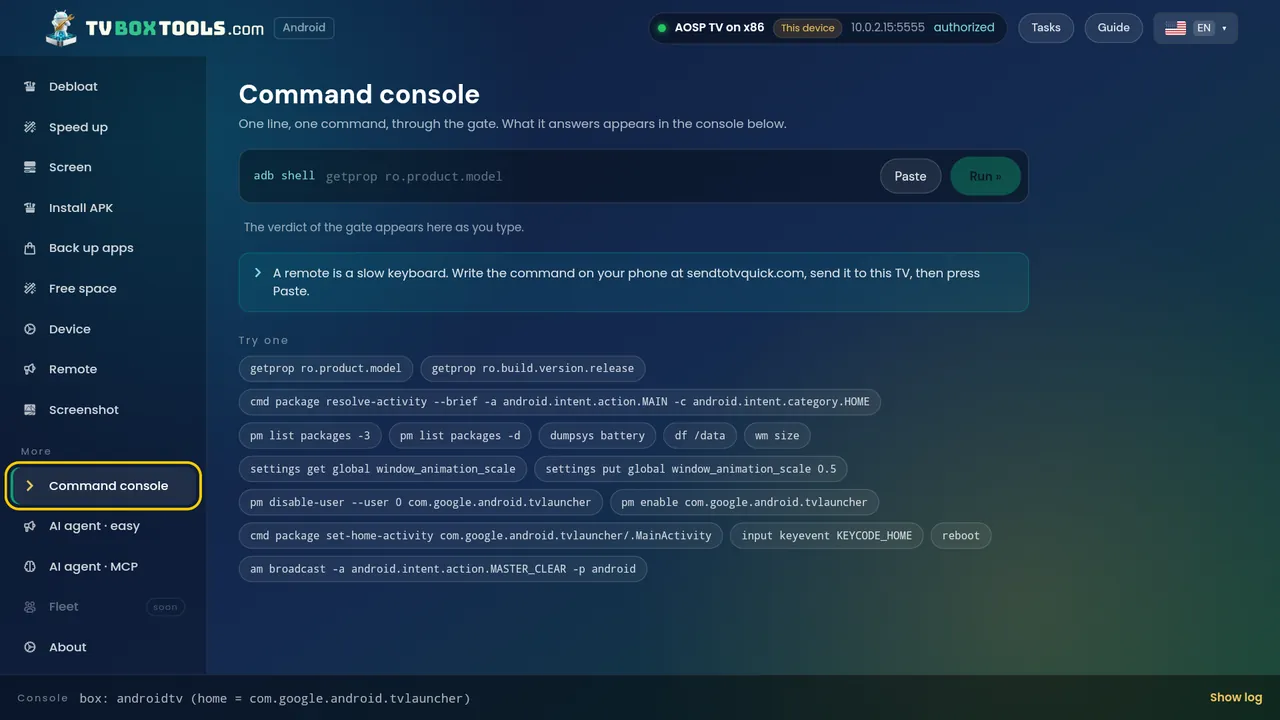
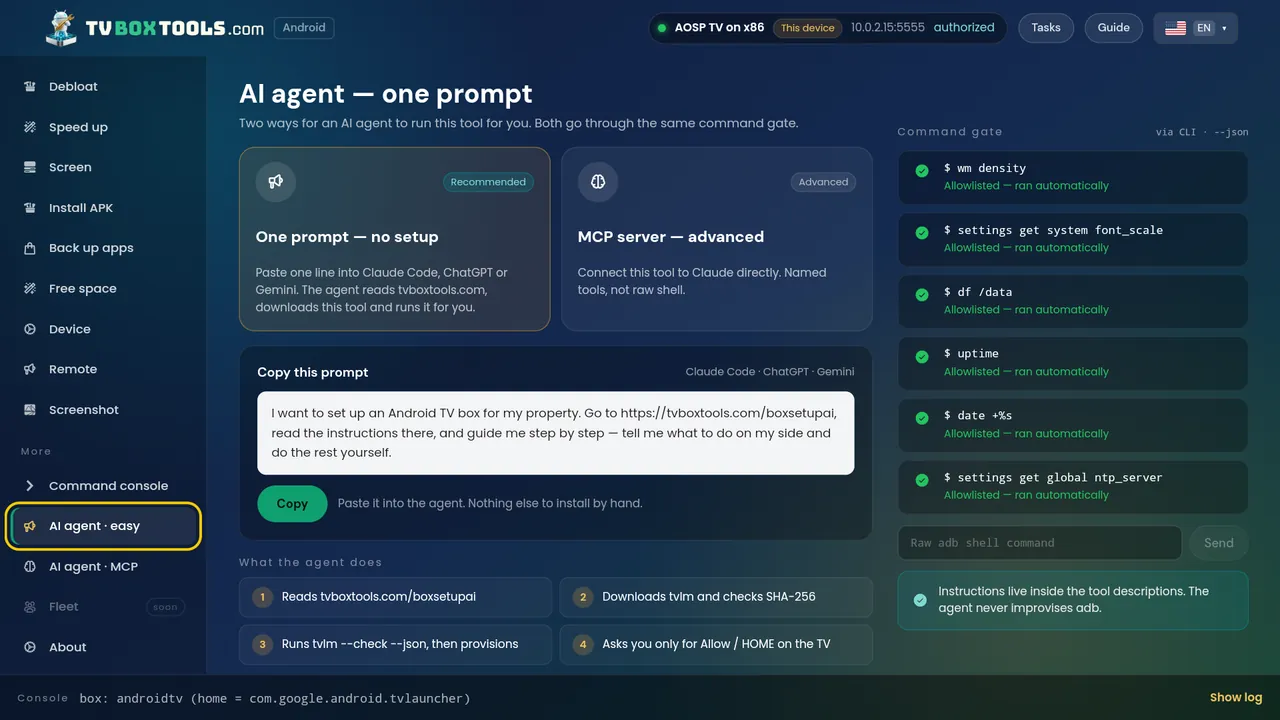
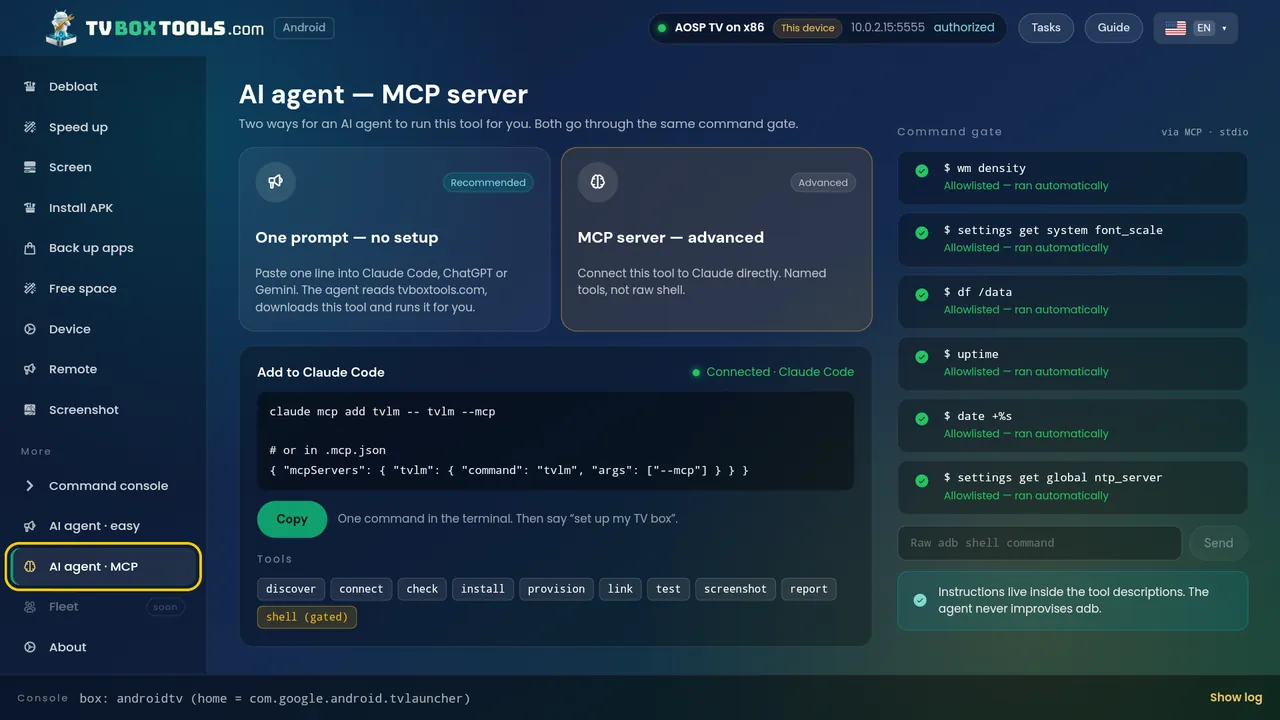
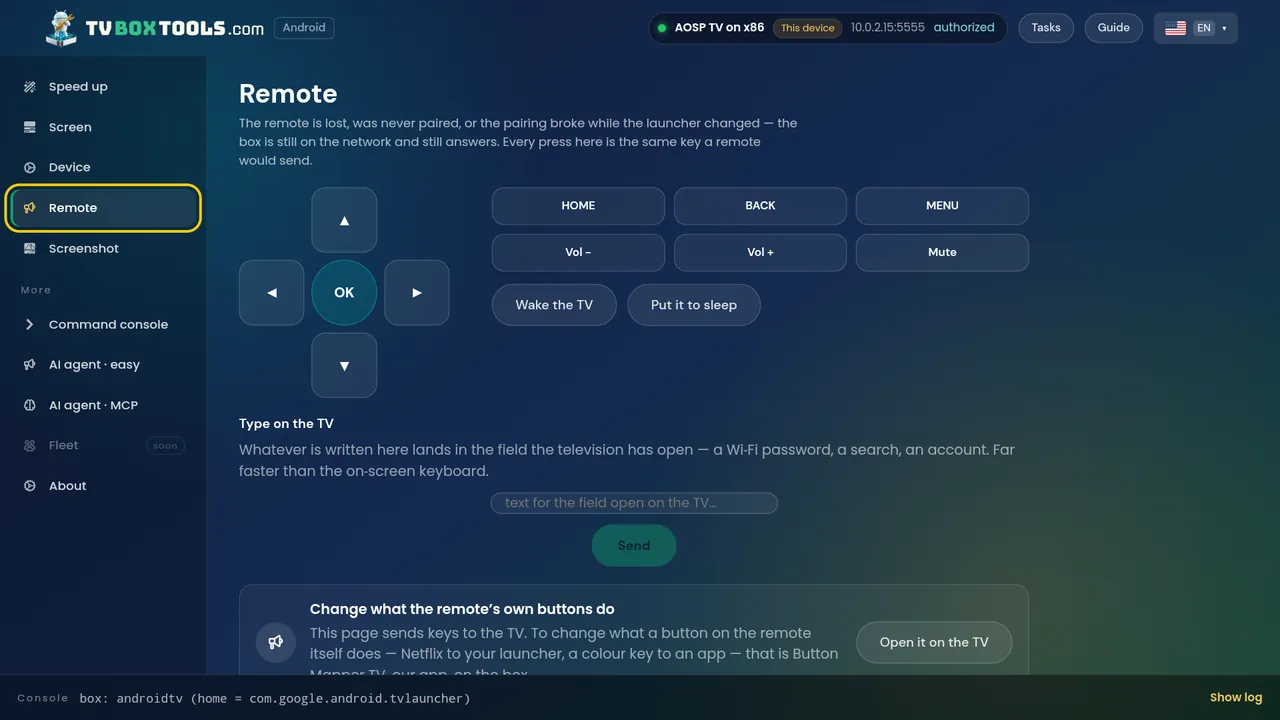
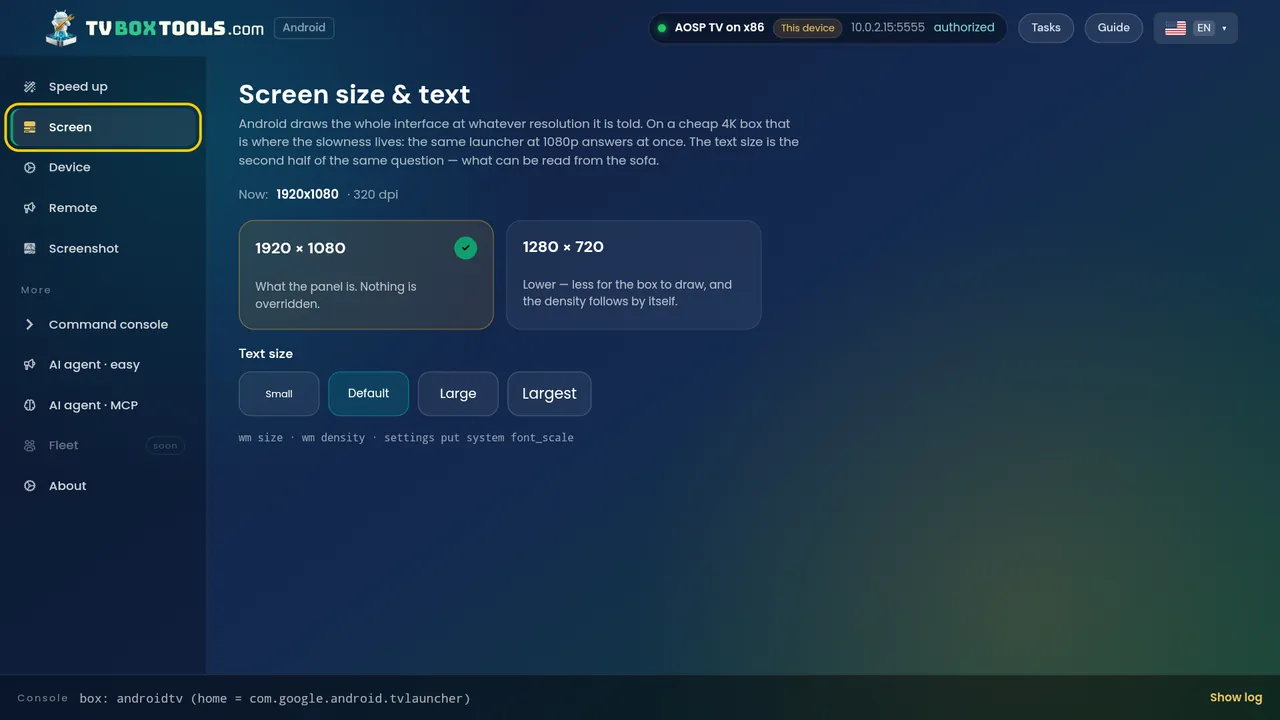
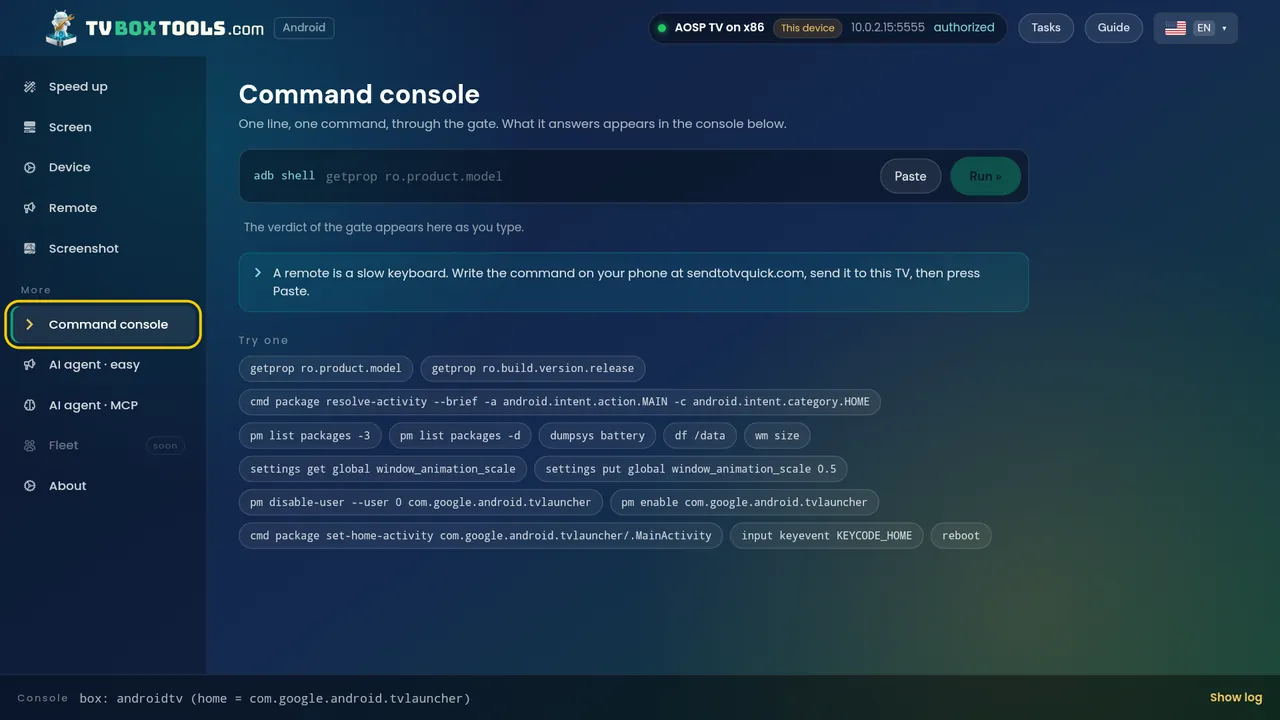
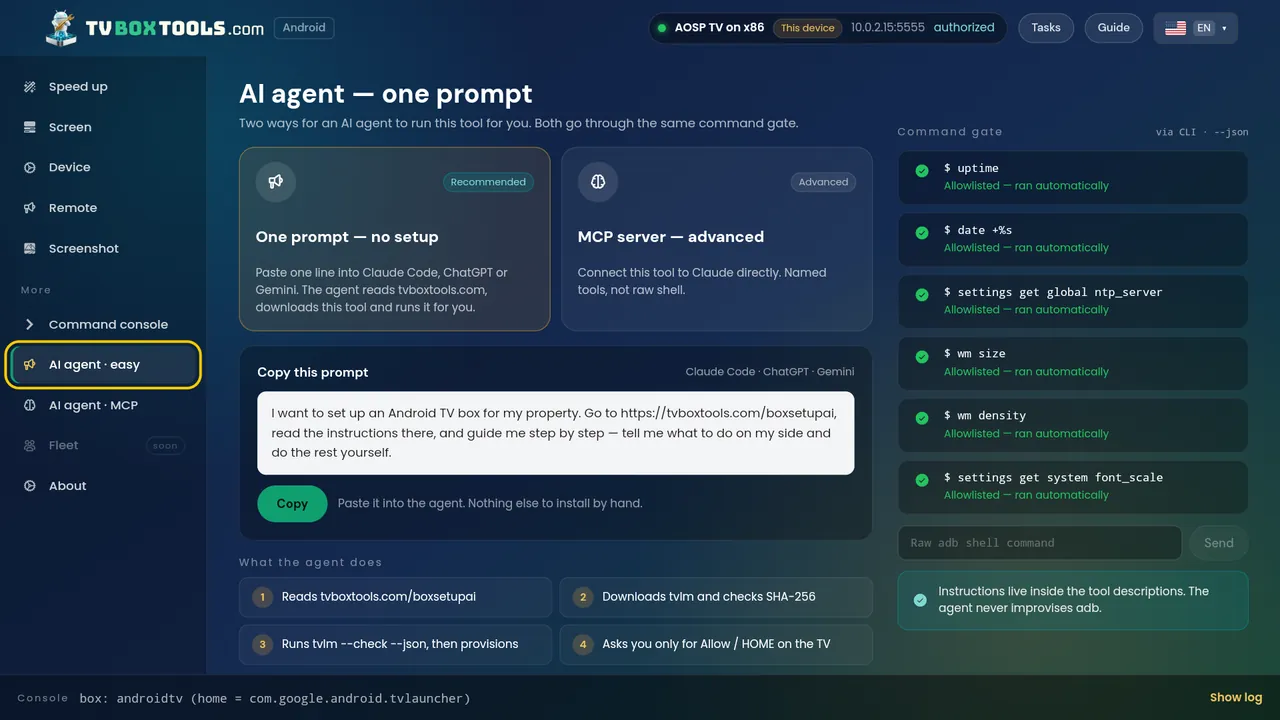
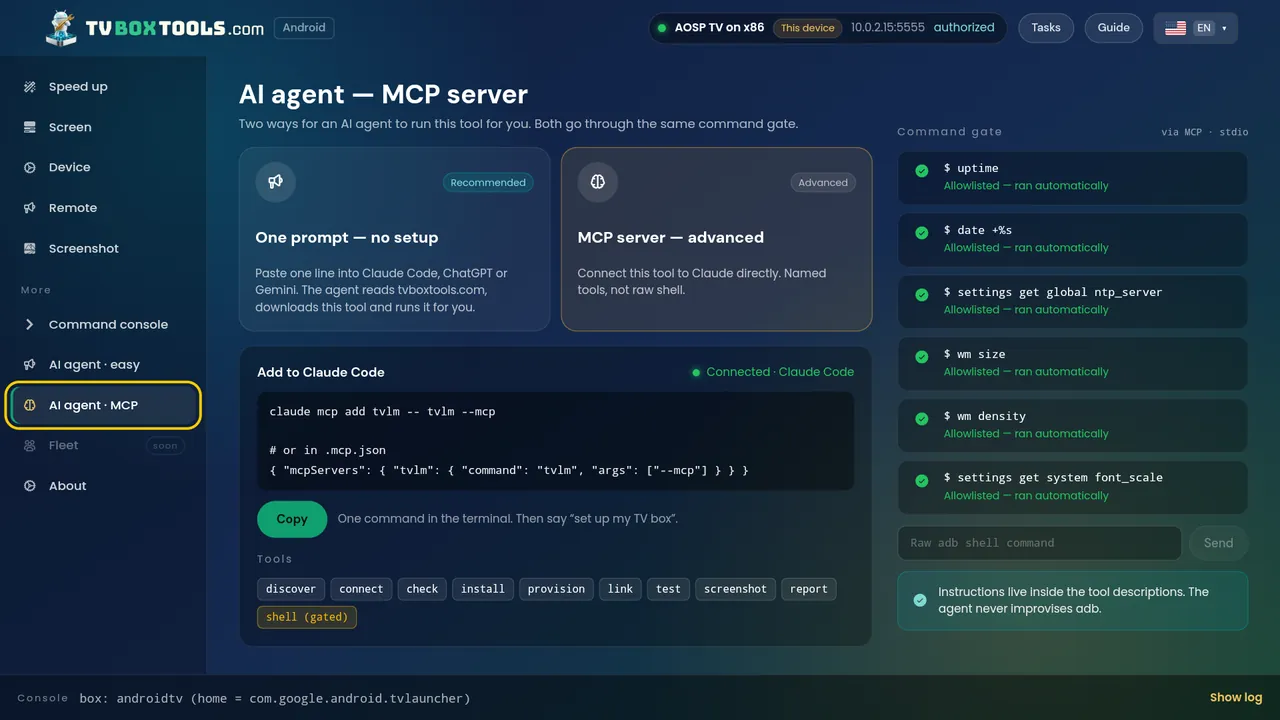
The Tasks hub: every job is one card, labelled reversible, read-only or gated.Box check — read only, nothing has changed yet.The three debugging routes, with the TV's own menus pictured.Developer mode: Build ×7, shown on the real TV screen.Finding the box on the network — or by IP.Which launcher opens on HOME — keep the current one, or pick.Speed up: animations off, the apps themselves untouched.Resolution, density and text size — with the safe choices listed.Device info: the card you paste into a support mail.A full remote when the real one is lost — arrows, HOME, typing.See the TV screen right now, over the same connection.The console, behind the gate: the verdict appears as you type.The property path: which app will be in control — Hotel TV recommended.AI agent: one prompt, or an MCP server — same command gate.
On the TV itself
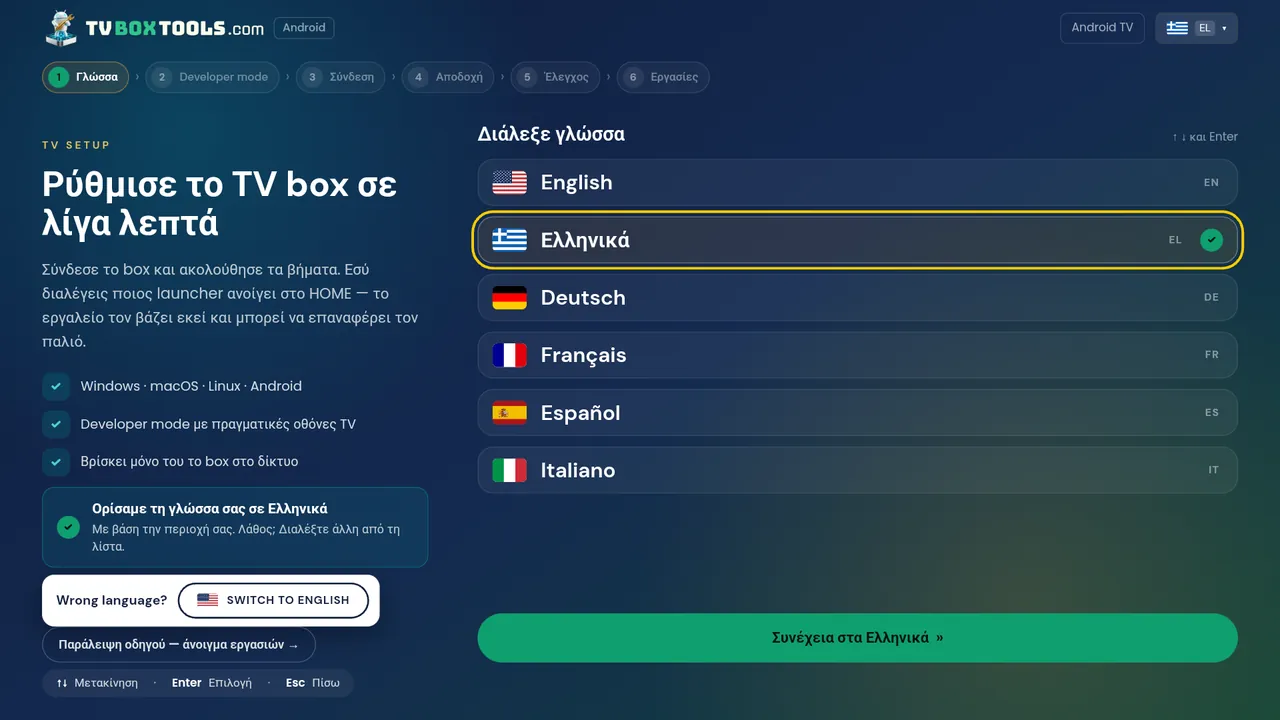
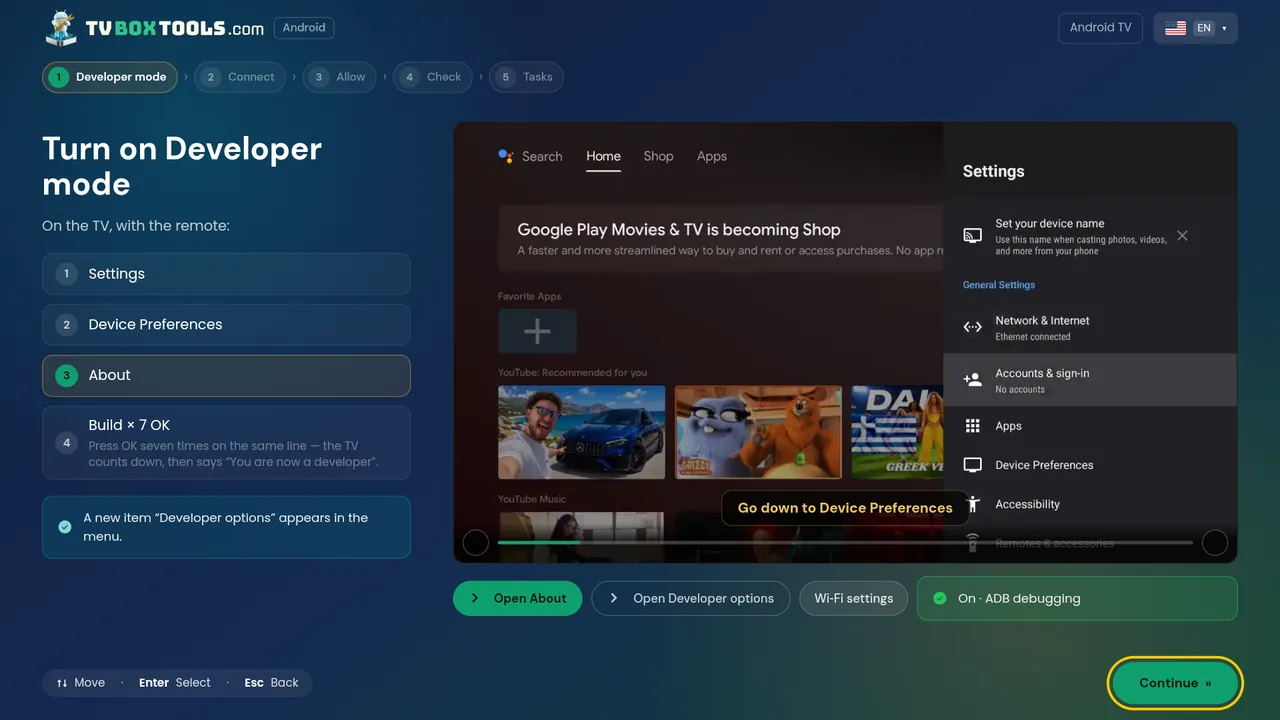
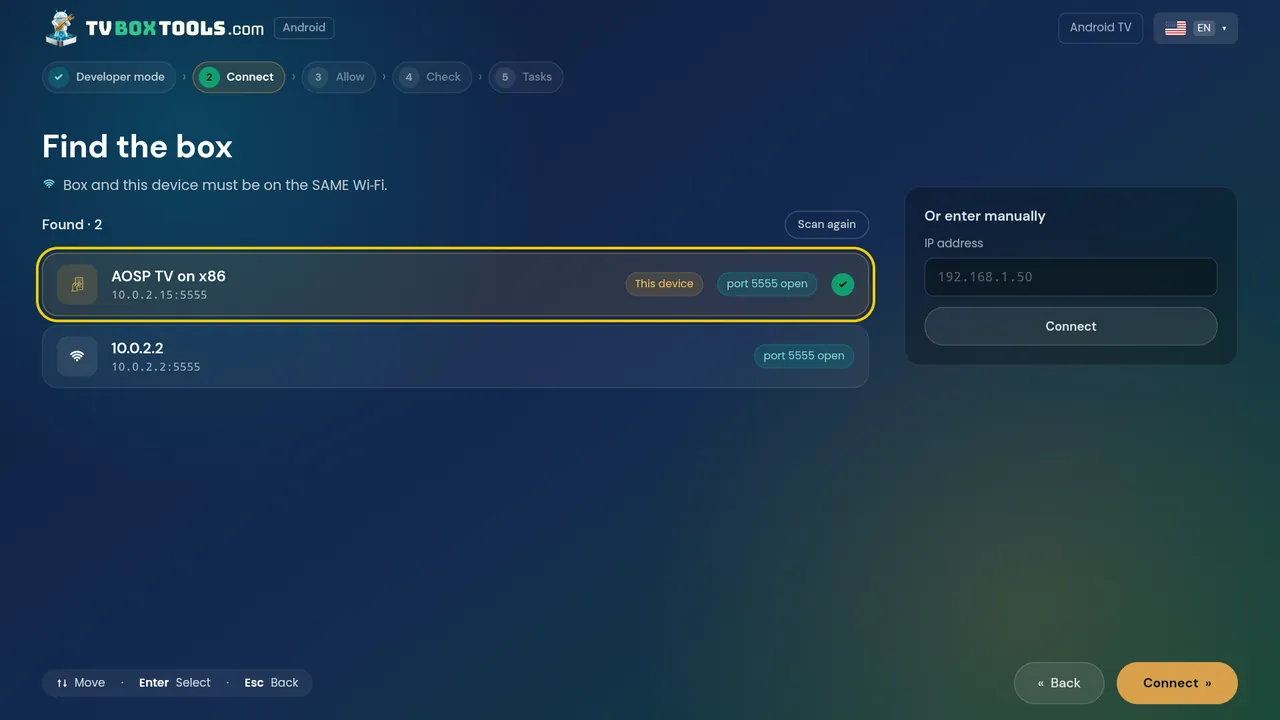
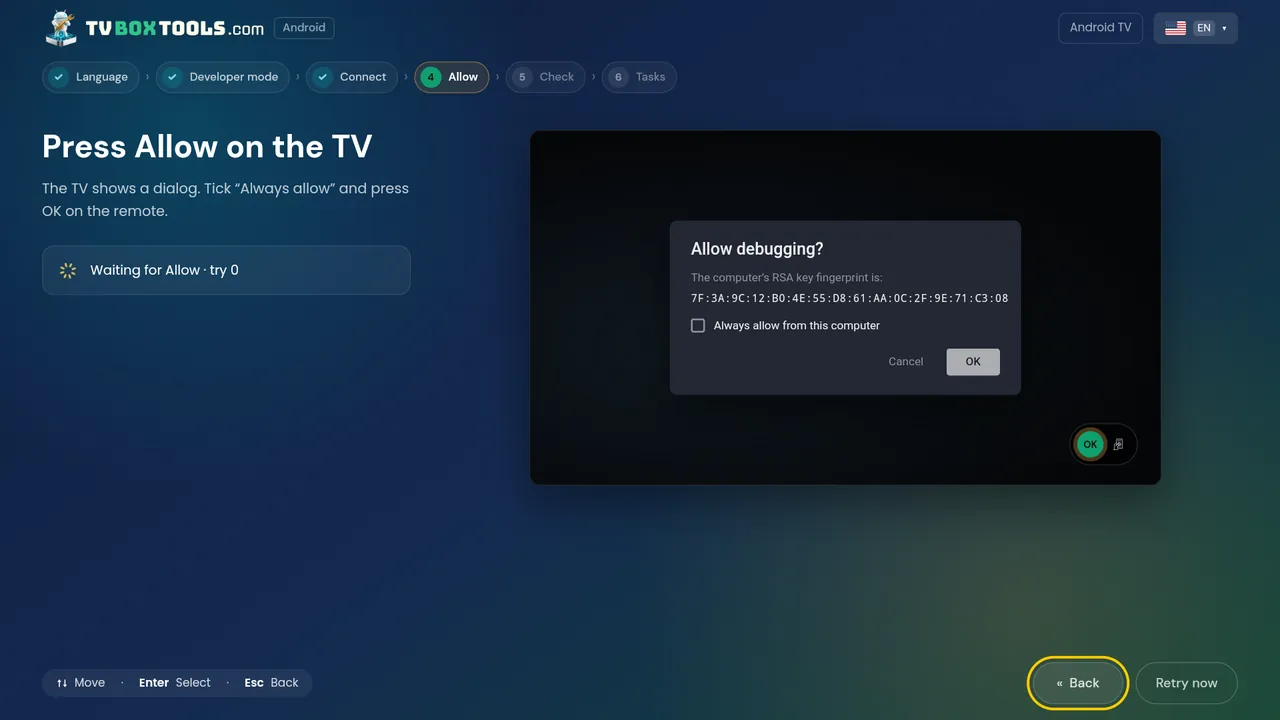
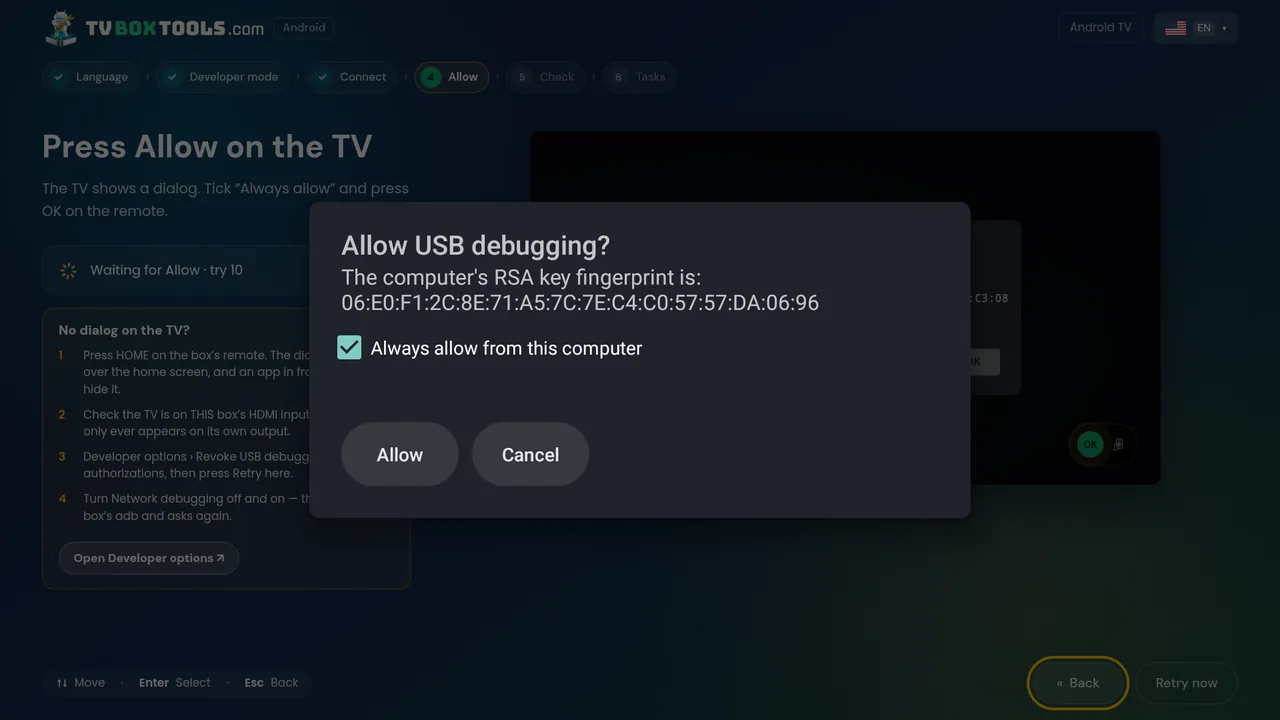
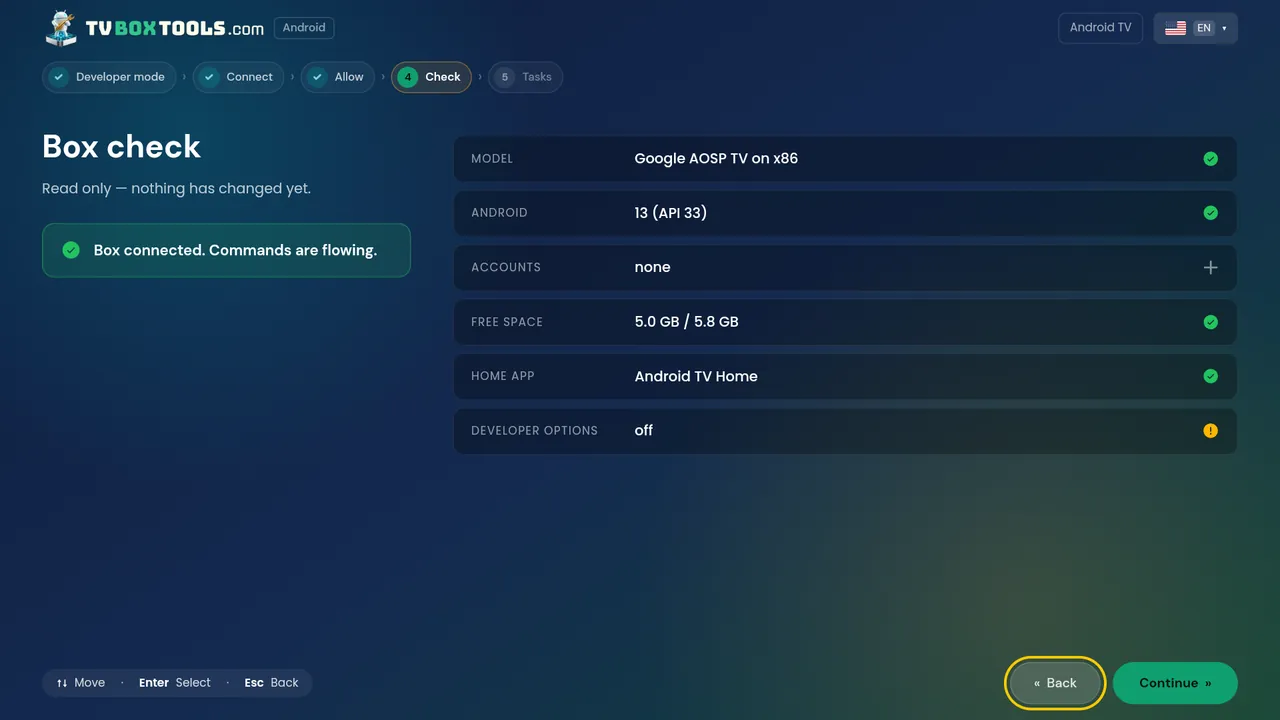
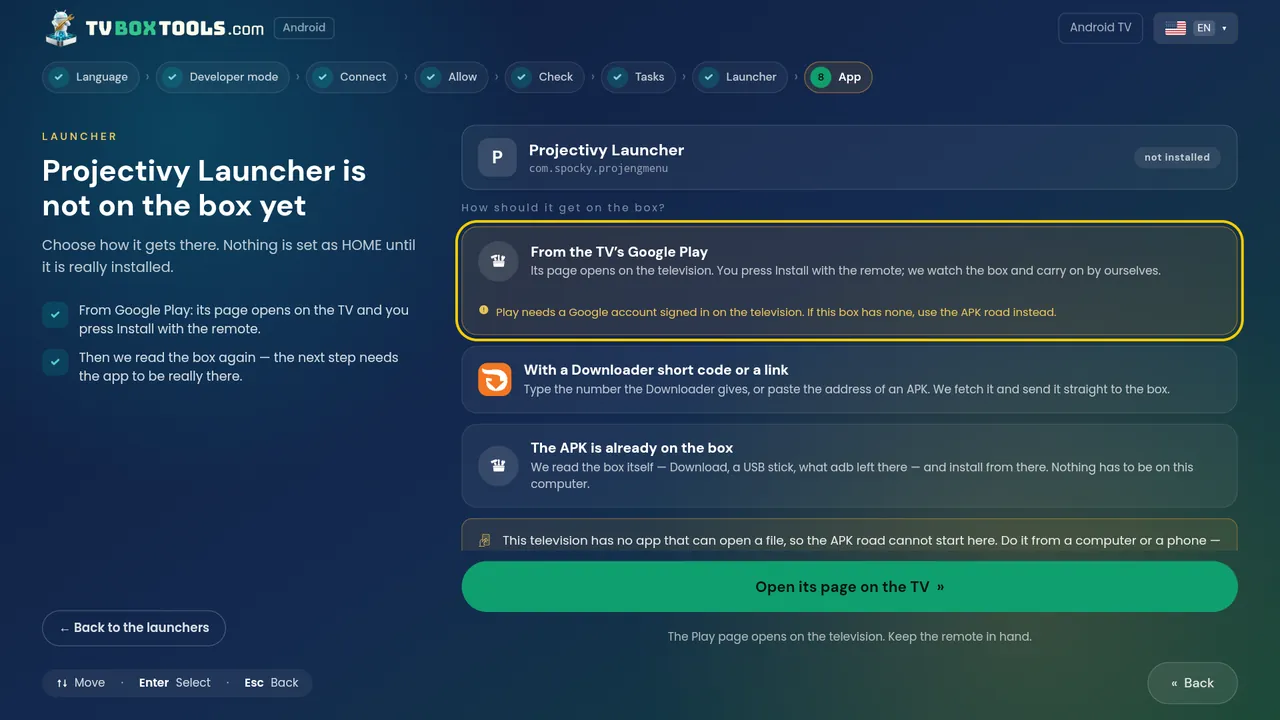
It opens in your language — picked from your region, changed with one press.Developer mode: Build ×7, with the TV's own screen pictured beside the steps.Finding boxes from the TV — this device and the others, or by IP.Waiting for Allow — the dialog that appears on the television, drawn here too.No dialog on the TV? Four things to try, before anyone gives up.Box check — read only, nothing has changed yet.The Tasks hub, with the commands it will run shown before it runs them.Which launcher opens on HOME — keep the current one, or choose.Not on the box yet? Three roads: the TV's Play, a Downloader code or link, or an APK already there.A full remote when the real one is lost — and typing, far faster than the on-screen keyboard.The console, behind the gate: one line, one command, the verdict as you type.One prompt for an AI agent — every command it runs appears in the log beside it.The MCP server: named tools, not raw shell — behind the same gate.
On your computer
The desktop app: remote.The desktop app: screen size and text.The desktop app: the console, with the gate's verdicts in the log.
For AI agents
One prompt for an AI agent, with the command log alongside.The MCP server: named tools, not raw shell — behind the same gate.
Like what you see?
Free · Open source · No account · Undo with one tap