Guide · Updated September 2026
How do I change what the HOME button opens on my TV?
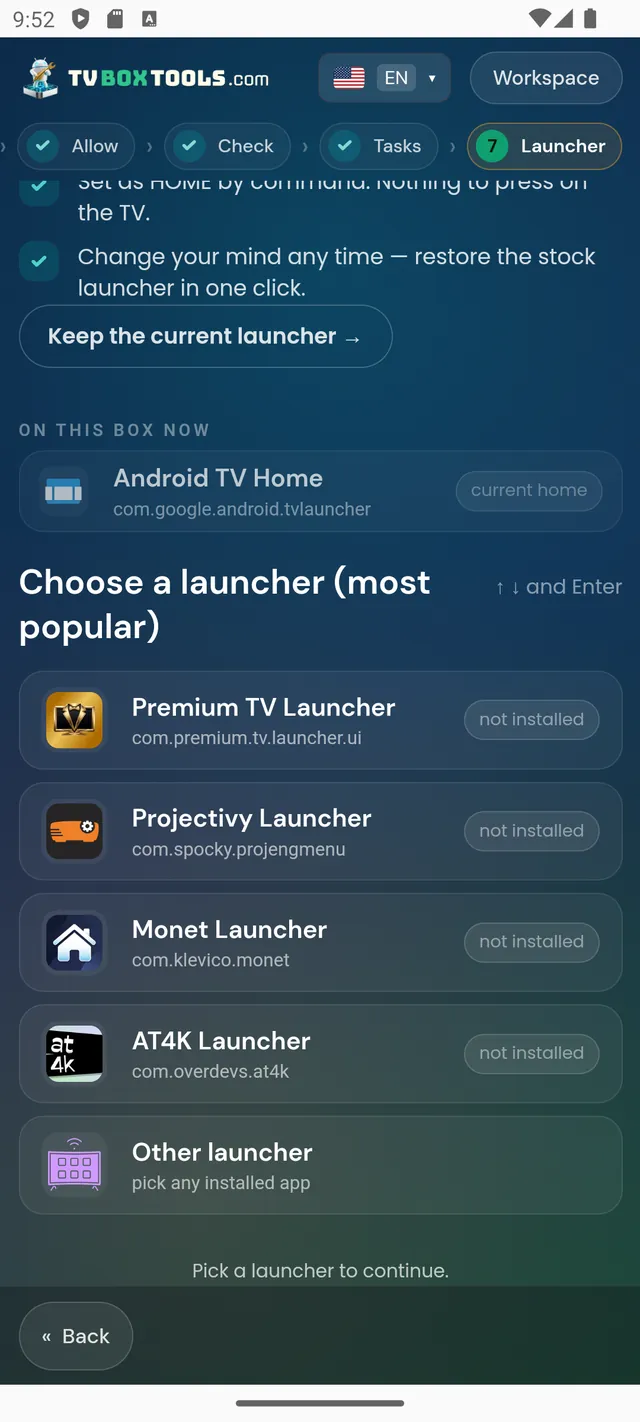
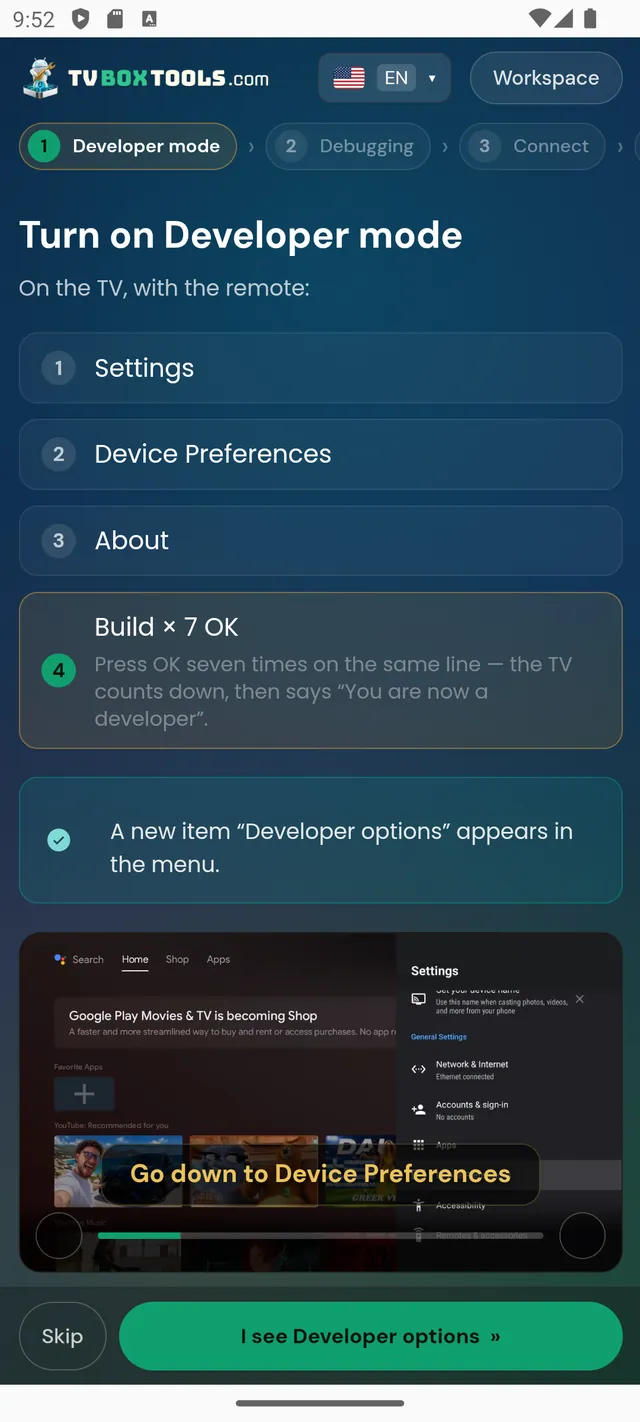
Android TV and Google TV ship with no “default launcher” setting — pressing HOME opens the manufacturer's home screen, ads included, and no picker ever appears. There are exactly three ways around that. Two run on the TV and keep breaking: the launcher's accessibility service (the system switches it off) and apps that need a permission re-granted after updates. The third is the one that holds: set your launcher as the real home app from outside, over the box's own debugging connection. It is a one-time setting, not a running service — it survives reboots, updates and Android TV 14, and one tap puts the stock home back. The free TV Launcher Manager does exactly that.
Why there is no setting for this
On most TVs sold since Android TV 9 the HOME key is wired to the manufacturer's launcher and the "choose your home app" dialog never fires. That is a platform decision, not a defect of your TV. Launchers work around it with an accessibility service that listens for HOME — which works until the system turns the service off: after a reboot, after an update, and on Android TV 14 by itself.
Pick your launcher — the exact steps for each
The problem pages, if you are here because it broke
Locked TVs, locked boxes, Fire TV
Some devices fight back: TVs that re-enable the stock launcher at every boot, cheap boxes with the vendor's launcher pinned, hotel-mode TVs, and Fire TV where Amazon closed the route entirely. Each case has an honest answer — including the one that is “no”.
Your box, step by step
Questions
Is ADB really the only way that holds?
On a TV you do not root, yes. The home app is a system setting; only the debugging connection can write it from outside. Everything that runs on the TV itself depends on a service or a permission the system can take back.
Do I need root or a computer?
No root, ever. A computer is optional: an Android phone on the same Wi-Fi does the whole job, and Chrome with a USB cable works too.
Is it reversible?
Completely. The stock launcher is never uninstalled; the tool records the current home before changing anything and Restore puts it back with one tap.
Make HOME yours — and keep it
Free · Open source · No account · Undo with one tap
Download TV Launcher Manageror on the TV, with the Downloader app — code2123033
