Guide · Updated September 2026
Why does my TV launcher keep switching back?
Because your launcher holds the HOME button through an accessibility service, and the TV keeps switching that service off — after a reboot, after an update, on Android TV 14 by itself. The launcher is fine; its grip on HOME is what dies. The fix that holds is to stop depending on the service: set the launcher as the real home app from outside, over ADB. Ten minutes with a free tool, fully reversible.
What you are seeing
- You set your launcher up, it worked, and days later HOME opens the stock home screen again — ads and all.
- It happens after reboots and system updates, and on Android TV 14 it can happen with no event you can point to.
- Sometimes the stock home flashes for a second before your launcher opens — that flicker is the same mechanism, racing.
It is the same story on every launcher that takes HOME this way — Projectivy, Monet, AT4K and the rest. The full explanation of what switches the service off is on its own page; the fix is the same for all of them.
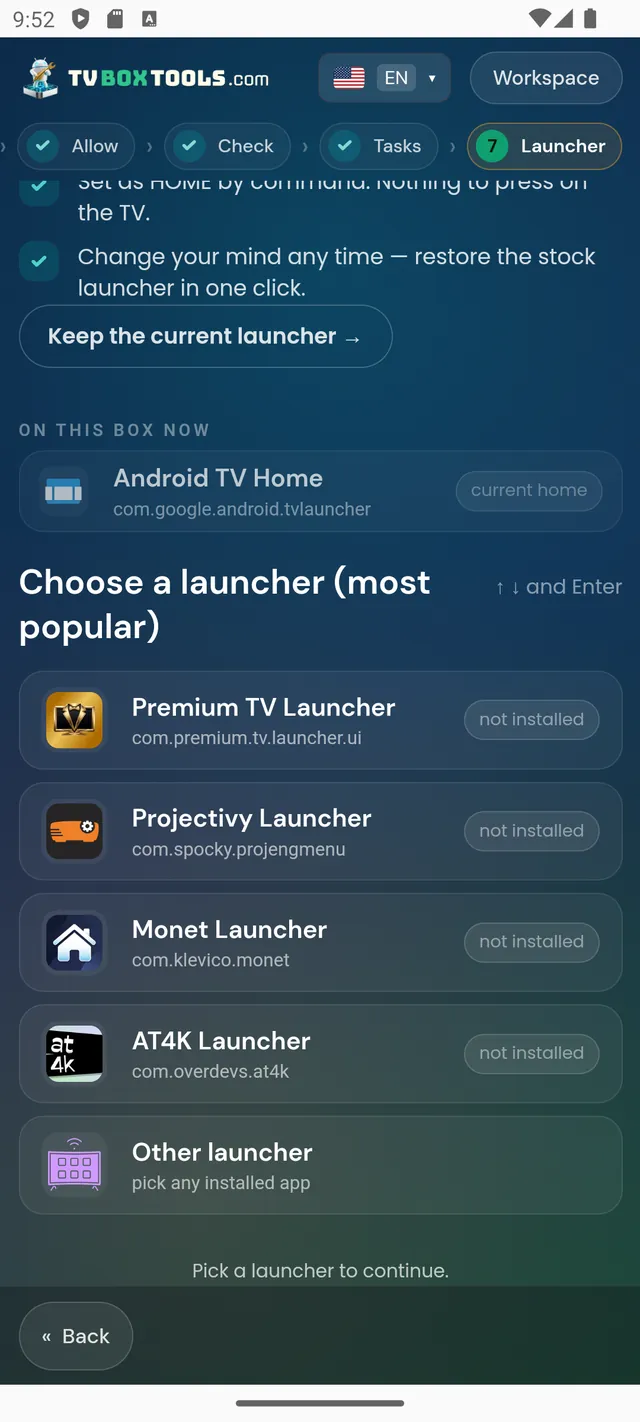
Pick your launcher — each guide has the exact steps
Questions
Is my launcher broken? Should I switch to a different one?
No and no. Any launcher that holds HOME through an accessibility service will behave exactly the same, because the TV kills the service, not the launcher. Keep the launcher you like and change how HOME is set instead.
Will reinstalling the launcher help?
No. The service will be switched off again the next time the system decides to. Reinstalling resets settings; it does not change what the platform does to accessibility services.
What exactly is the fix that holds?
Set your launcher as the home app from outside the TV, over its debugging connection (ADB). It is a one-time setting, not a running service. The free TV Launcher Manager does it and records the undo; doing it by hand is one command.
Make HOME yours — and keep it
Free · No account · Undo with one tap
Download TV Launcher Manageror on the TV, with the Downloader app — code2123033
