Every picture here is the real app, current version, untouched. The same download runs on an Android phone, on the TV itself, on Windows, macOS and Linux, and in Chrome with a USB cable — so the screens below come in all three shapes. If you like what you see, the download is one section away.
On your phone
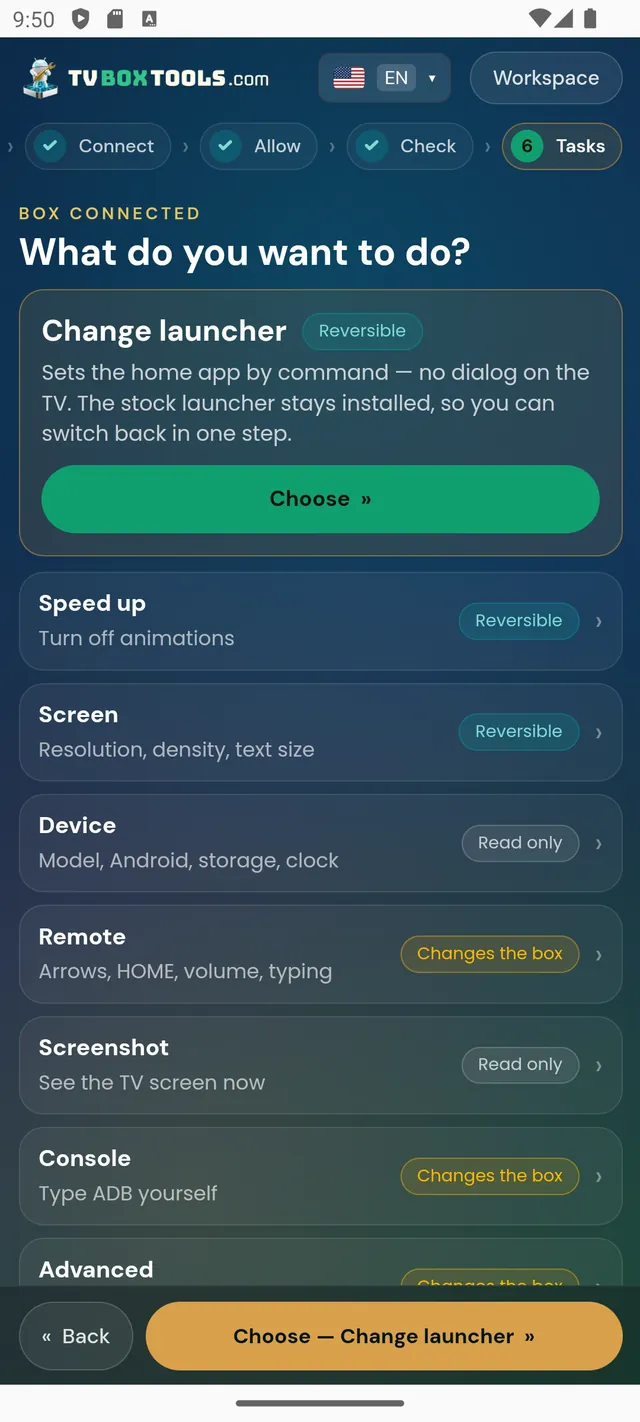
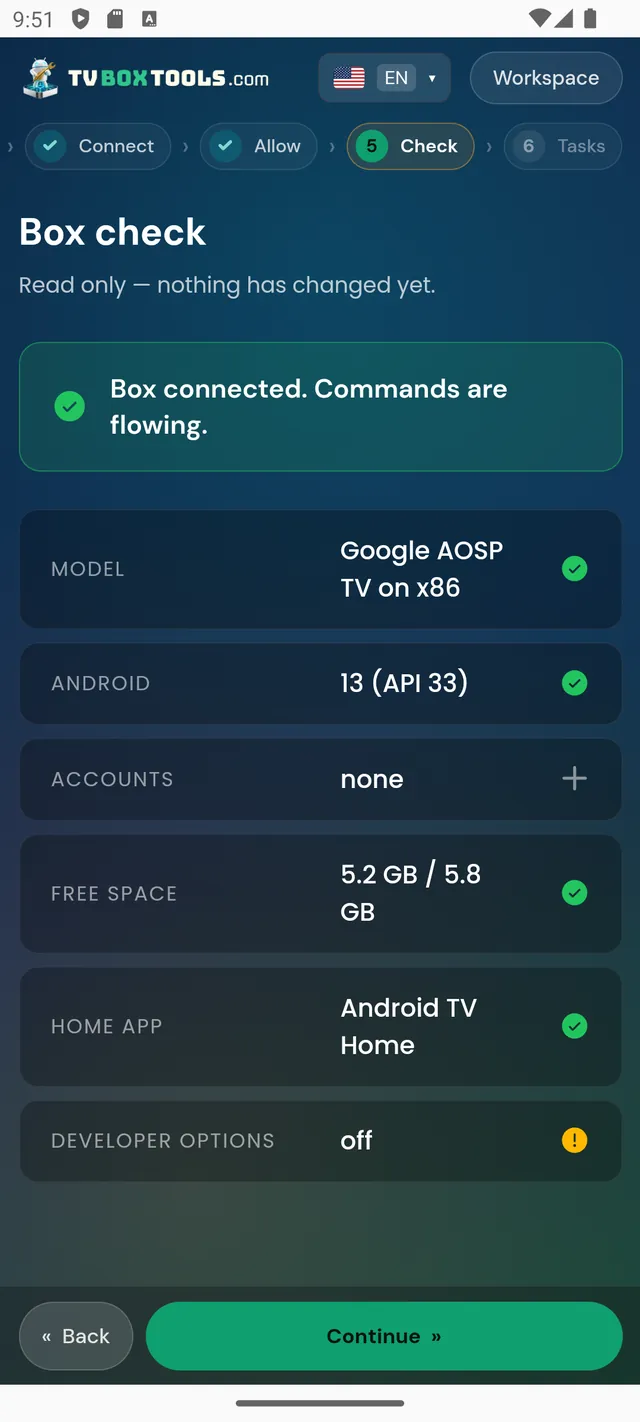
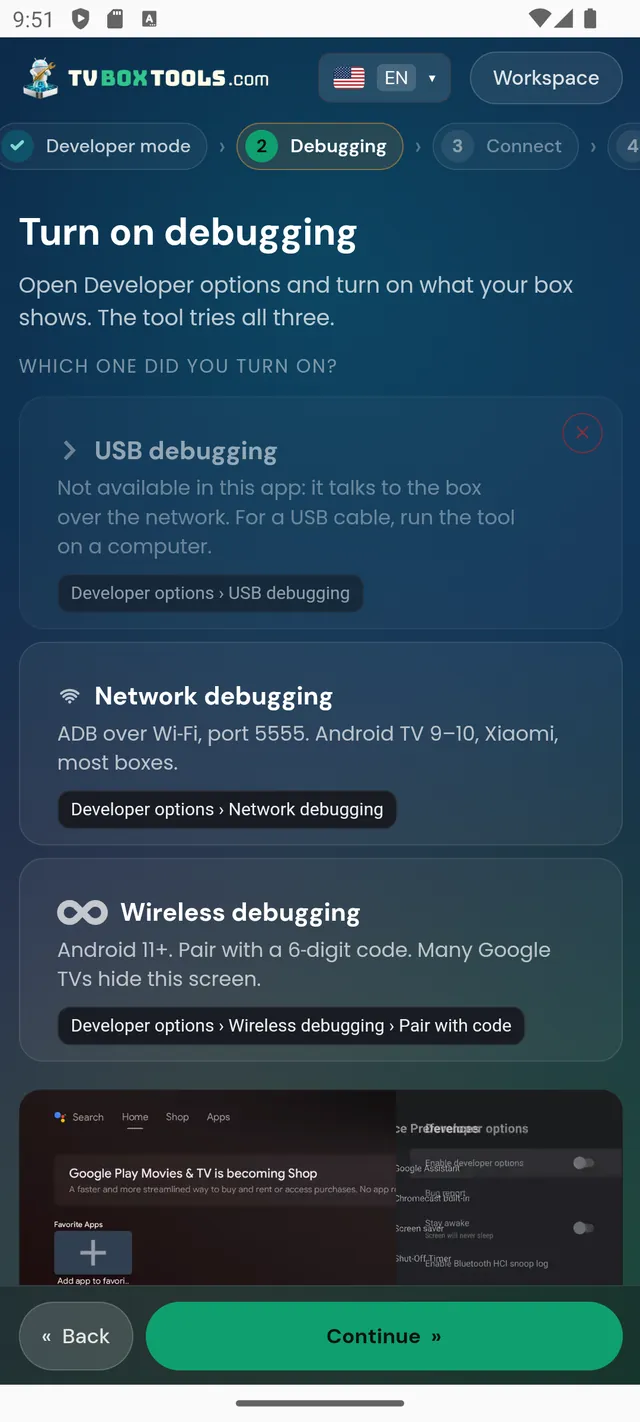
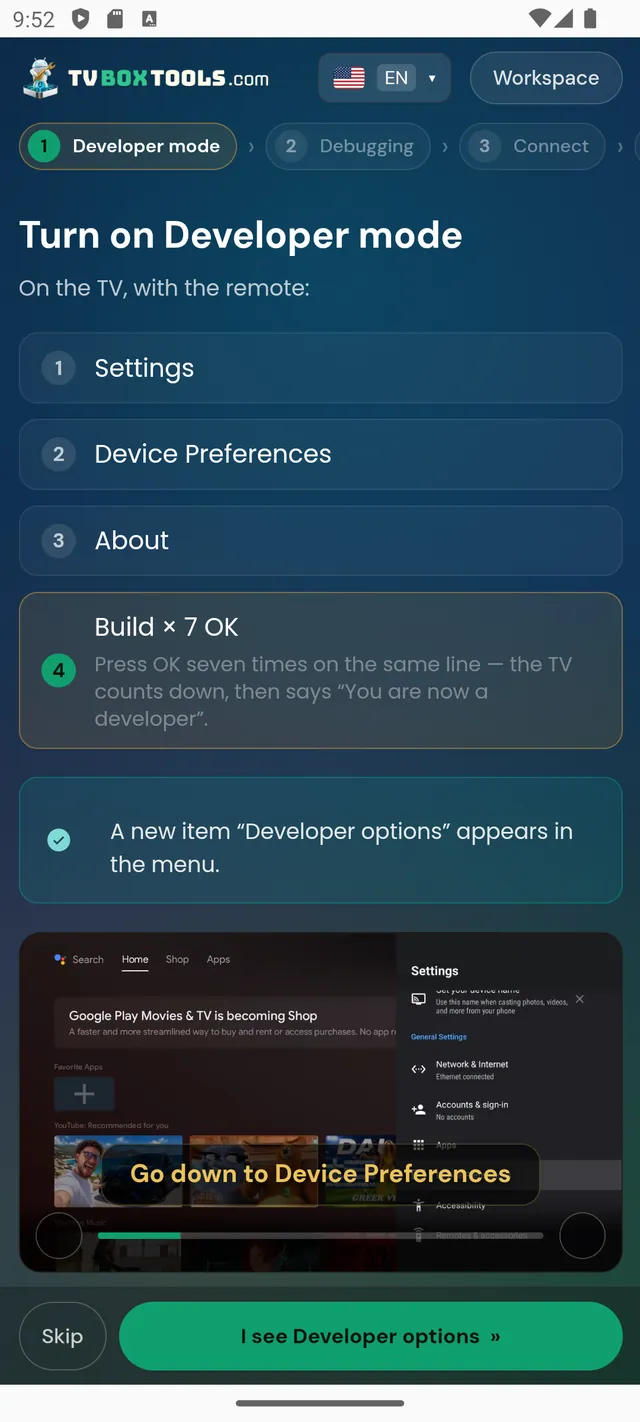
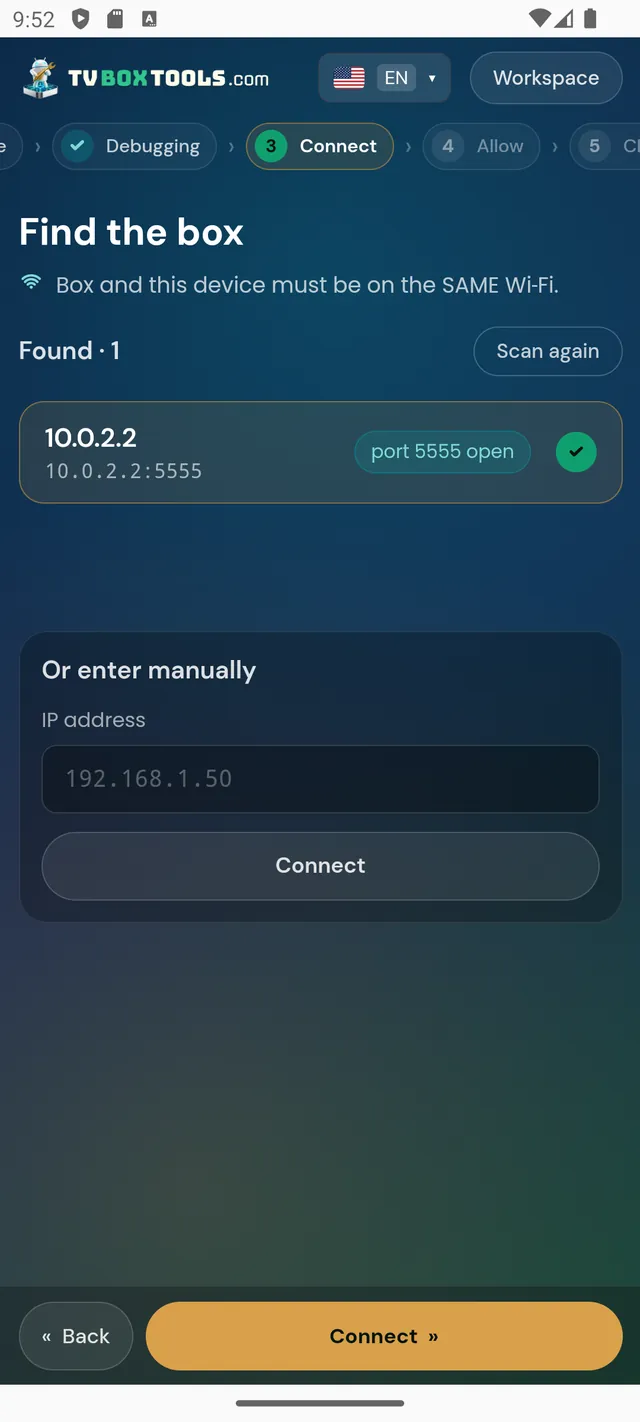
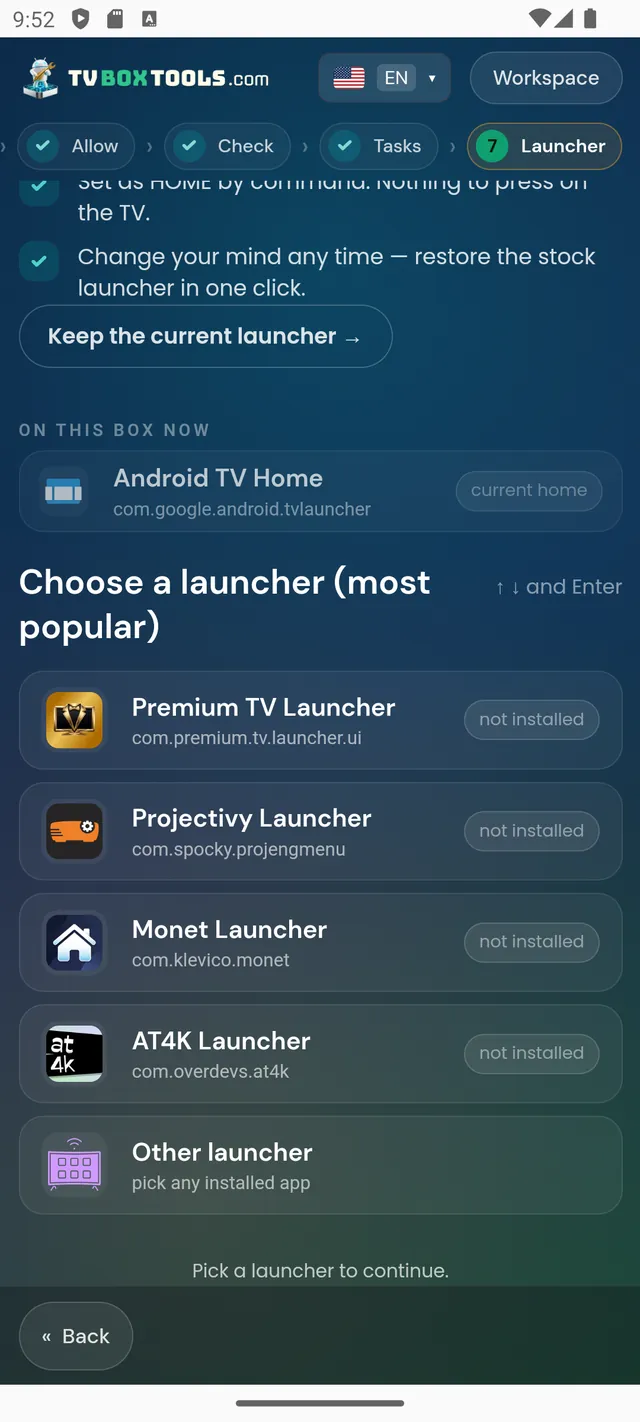
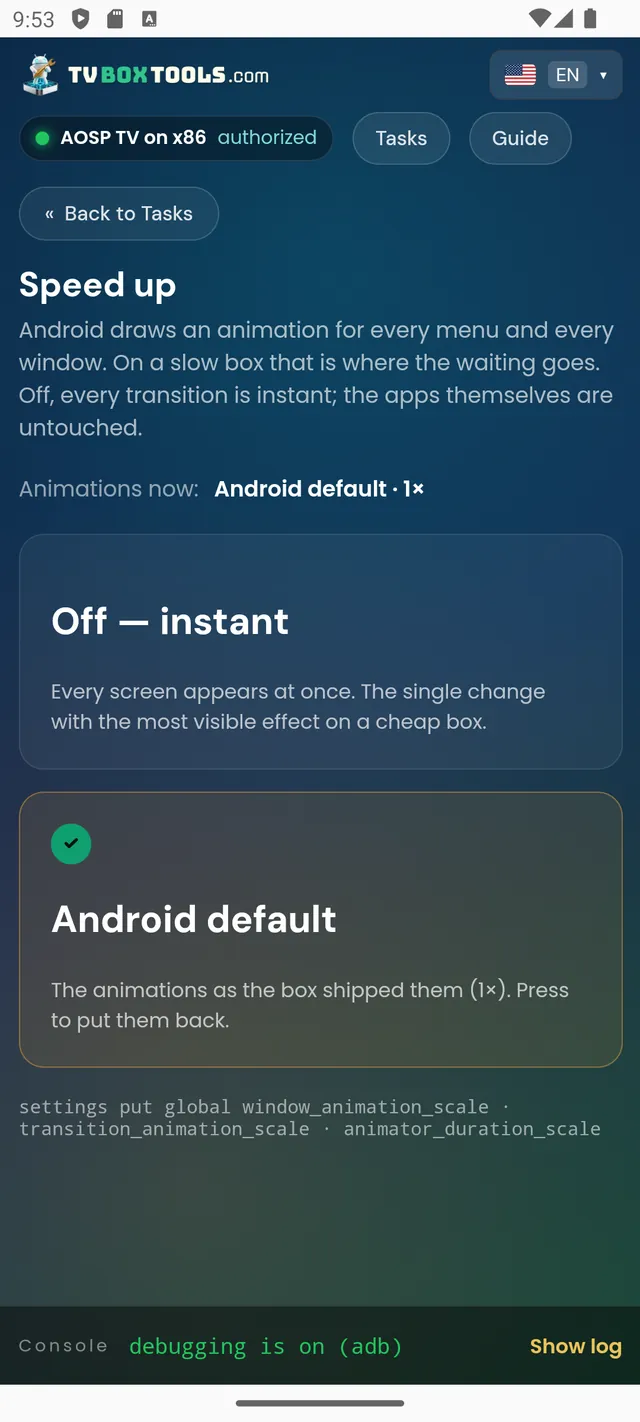
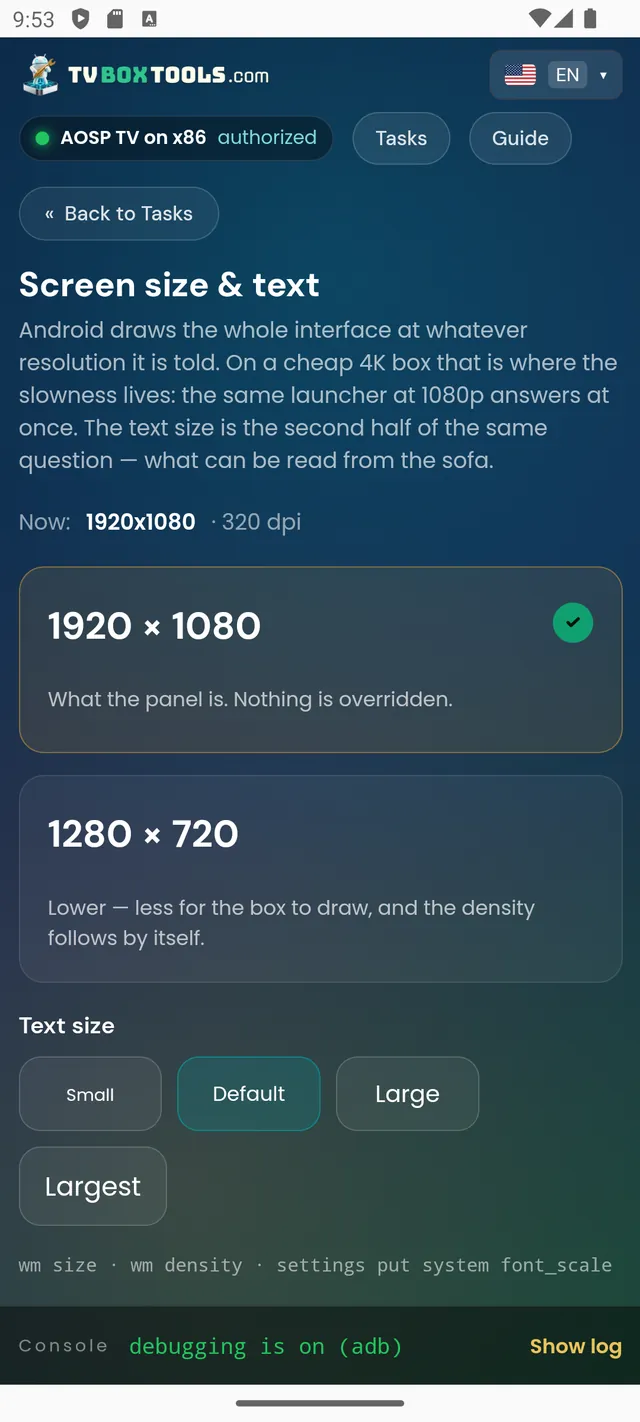
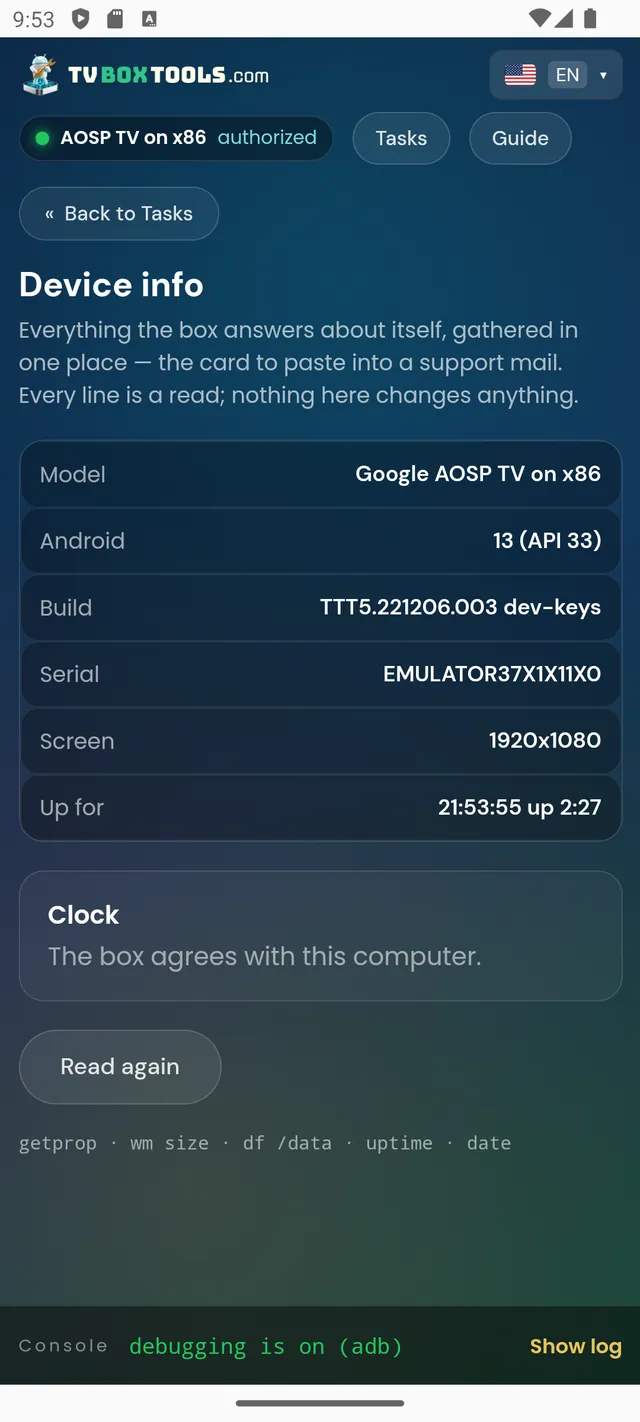
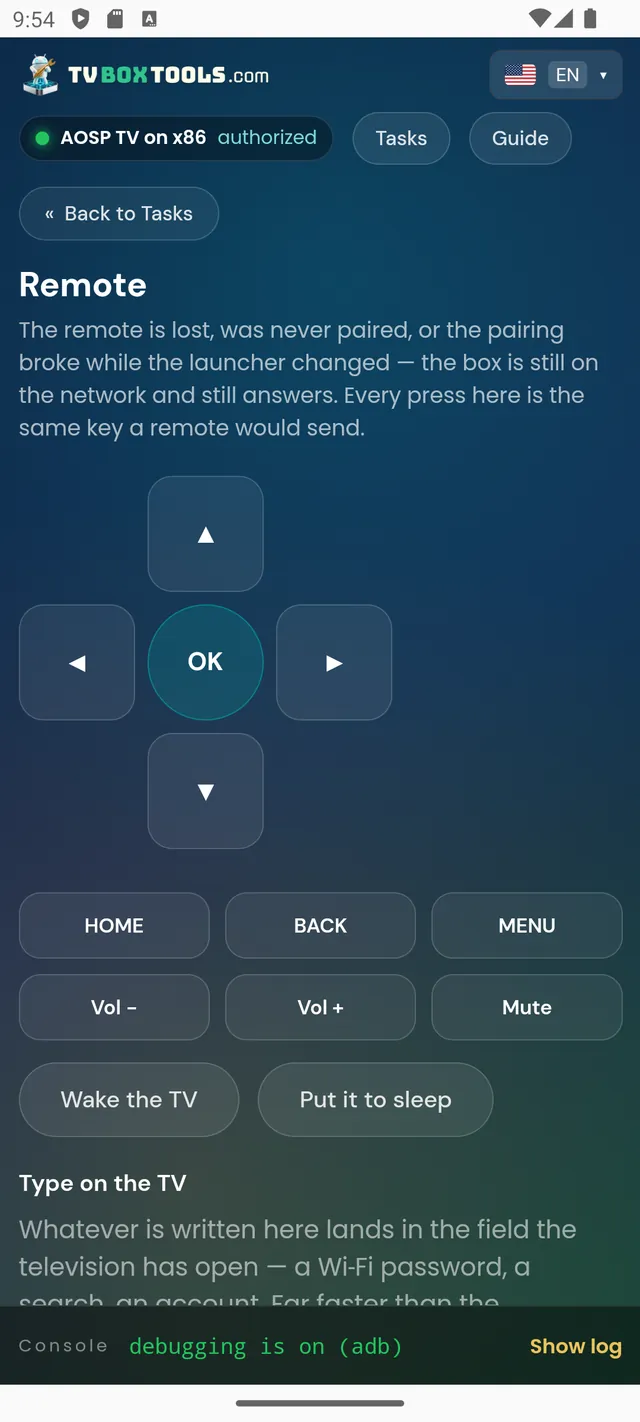
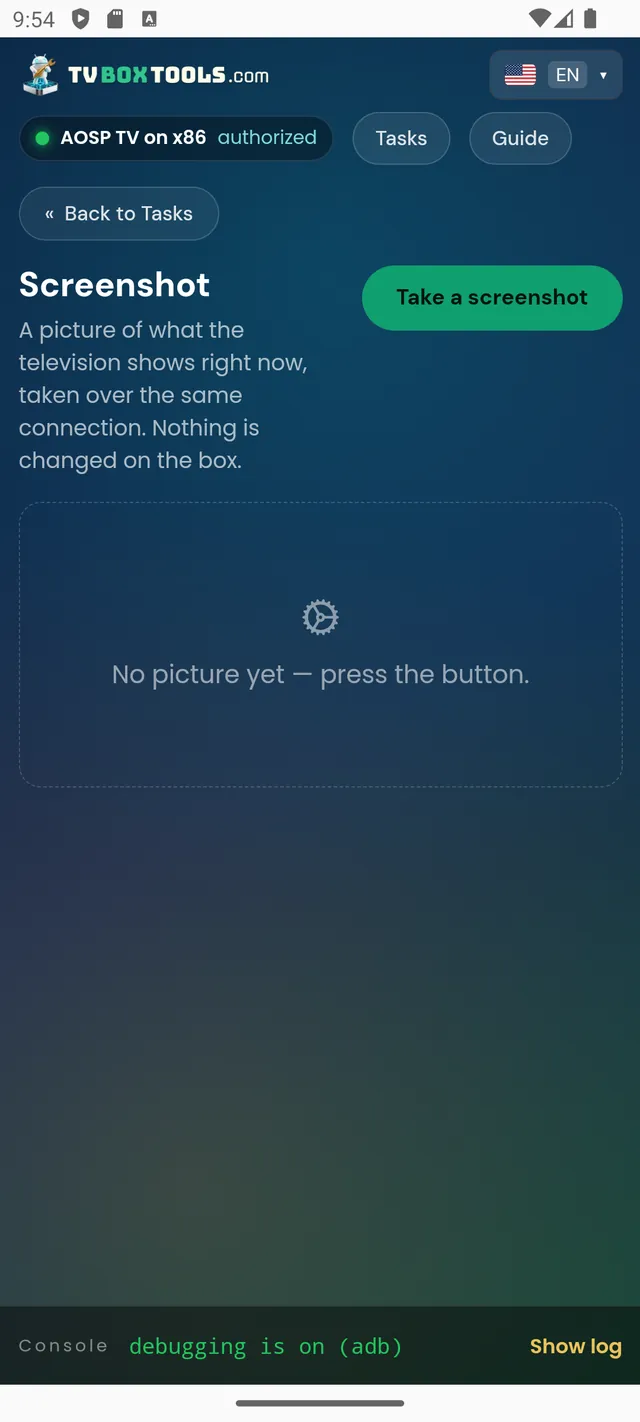
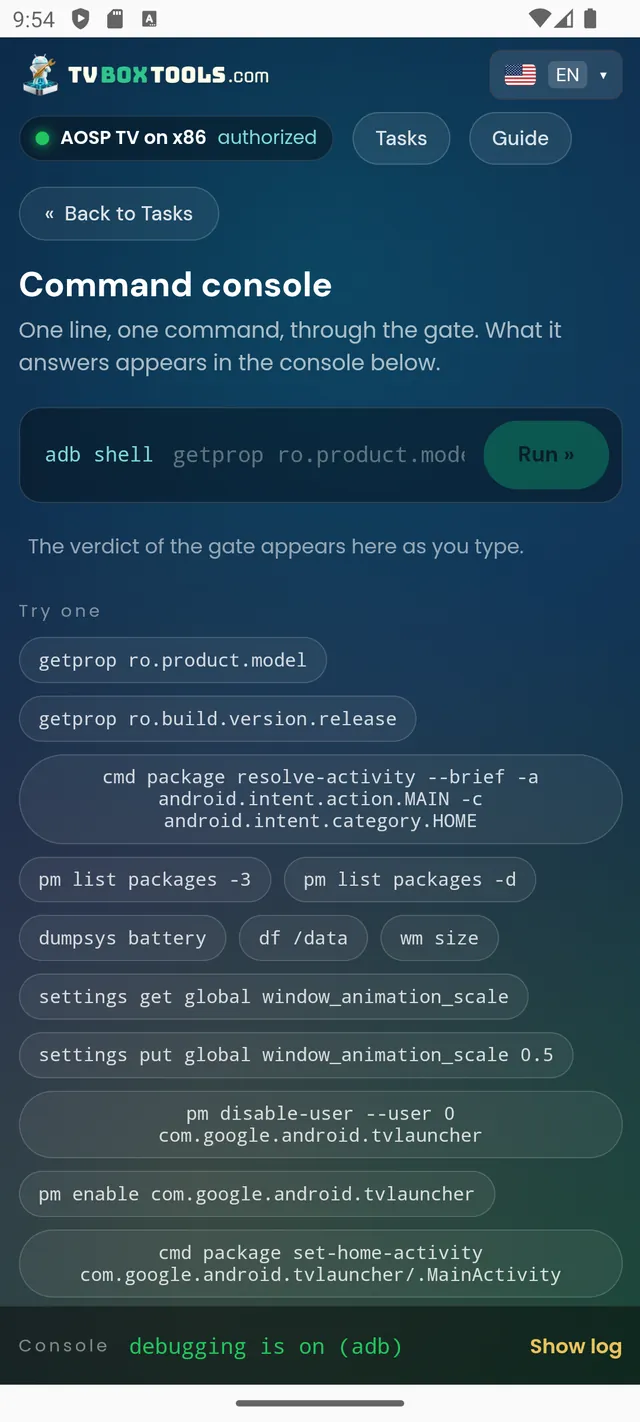
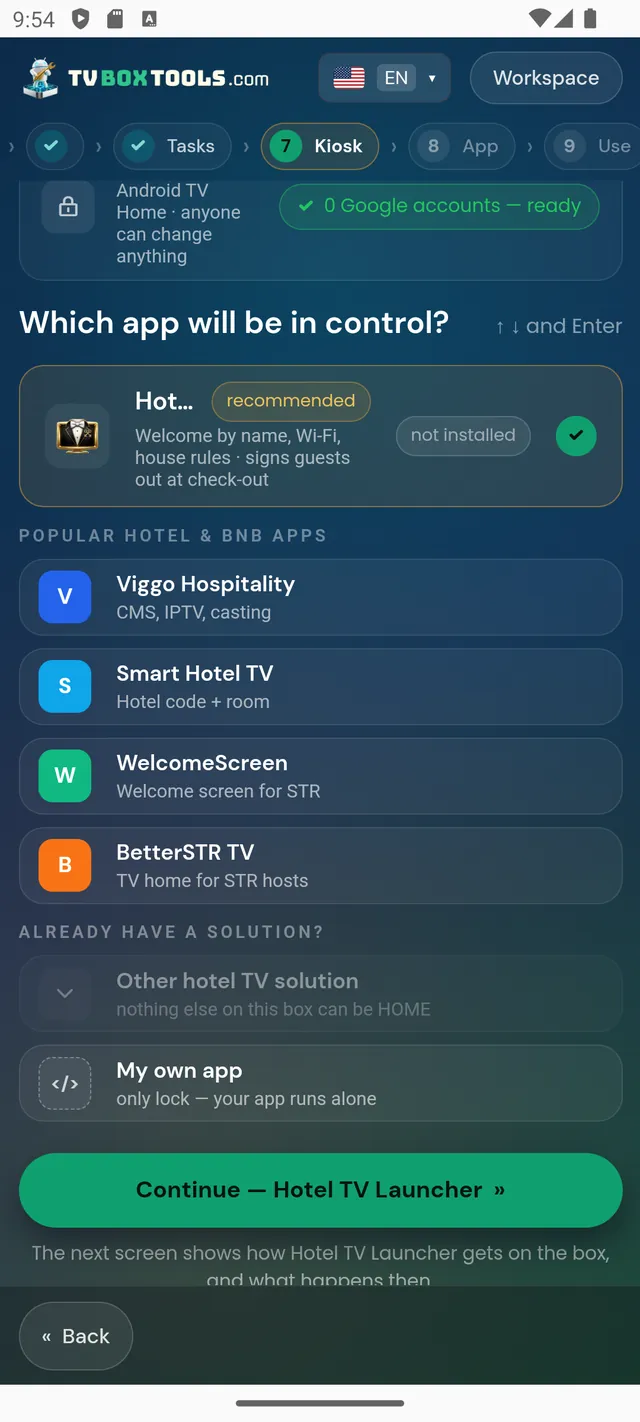
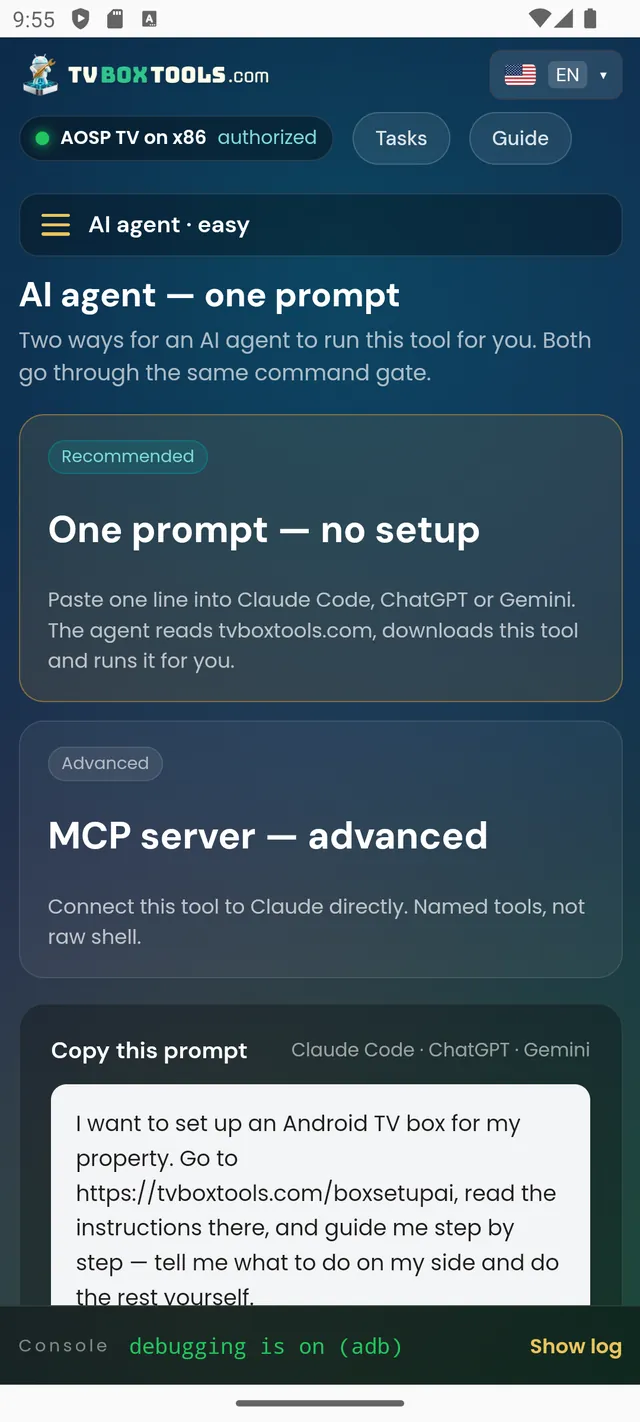
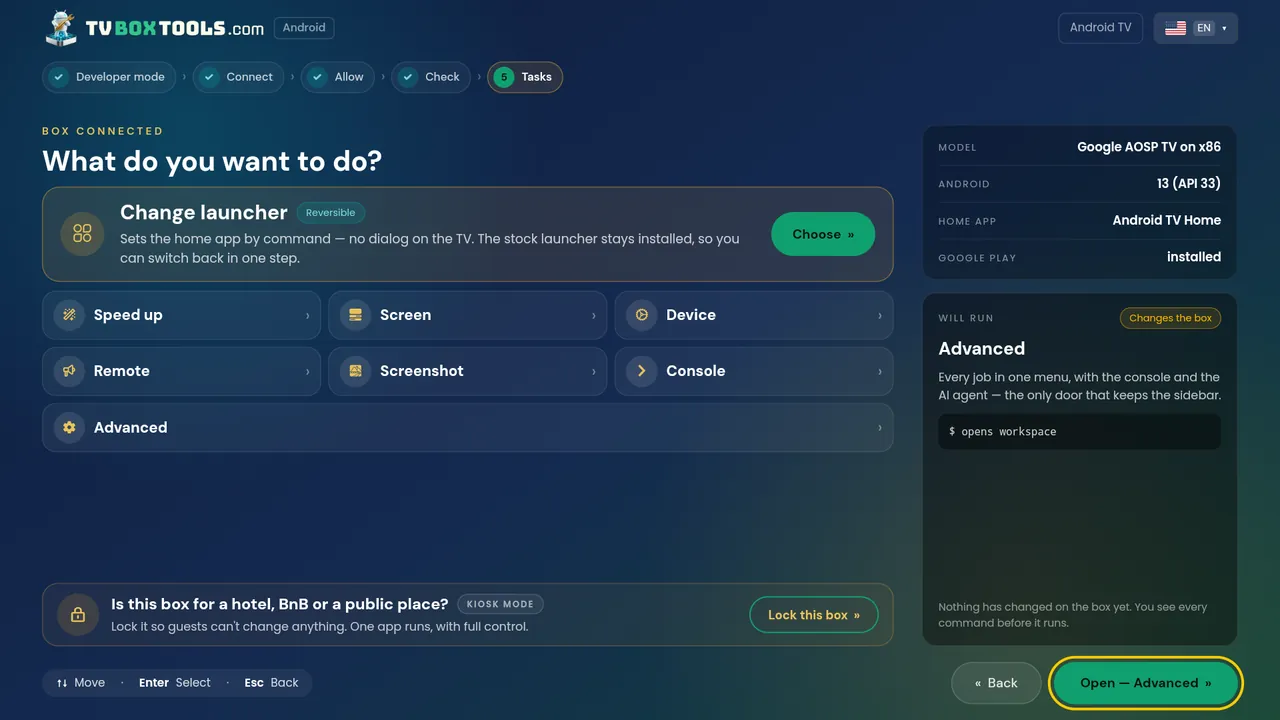
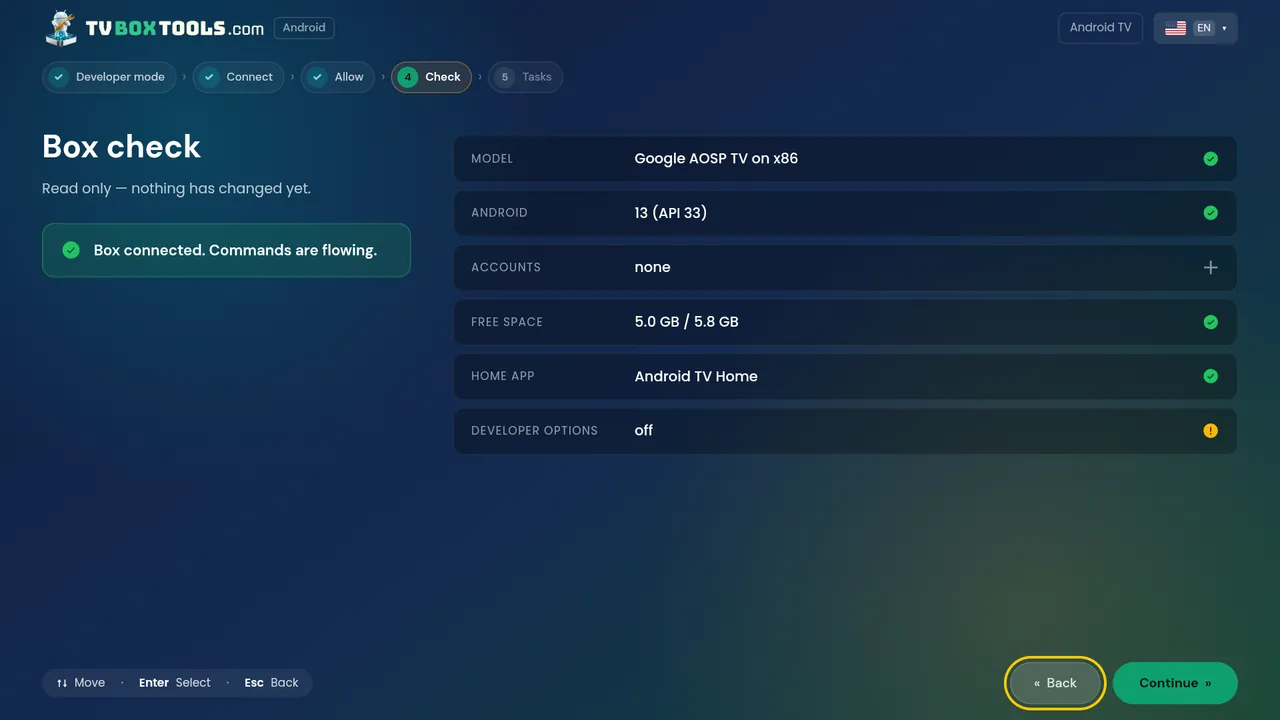
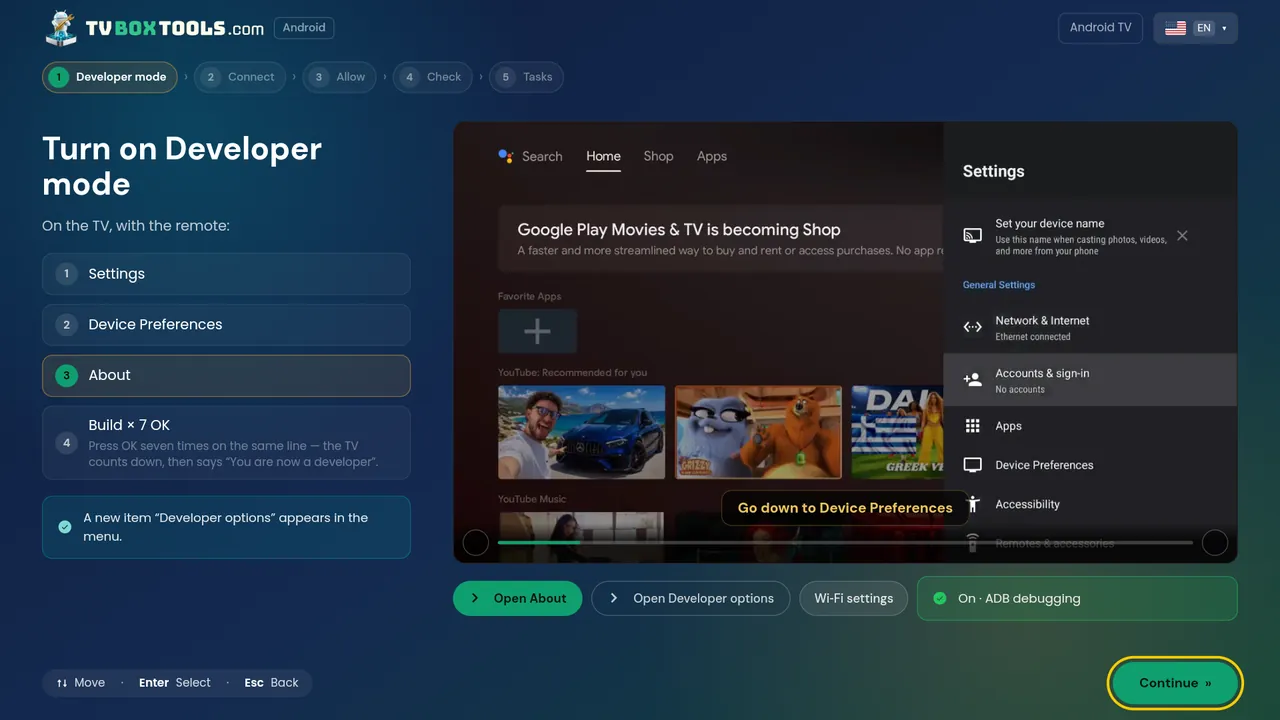
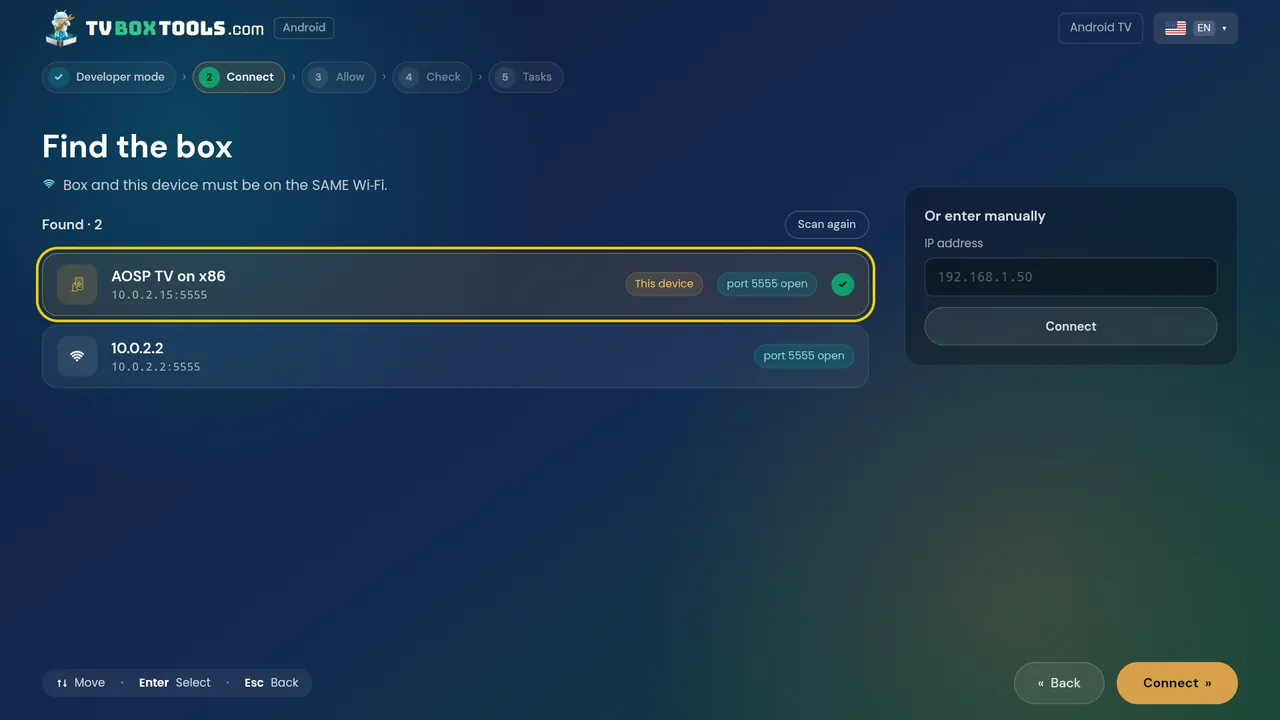
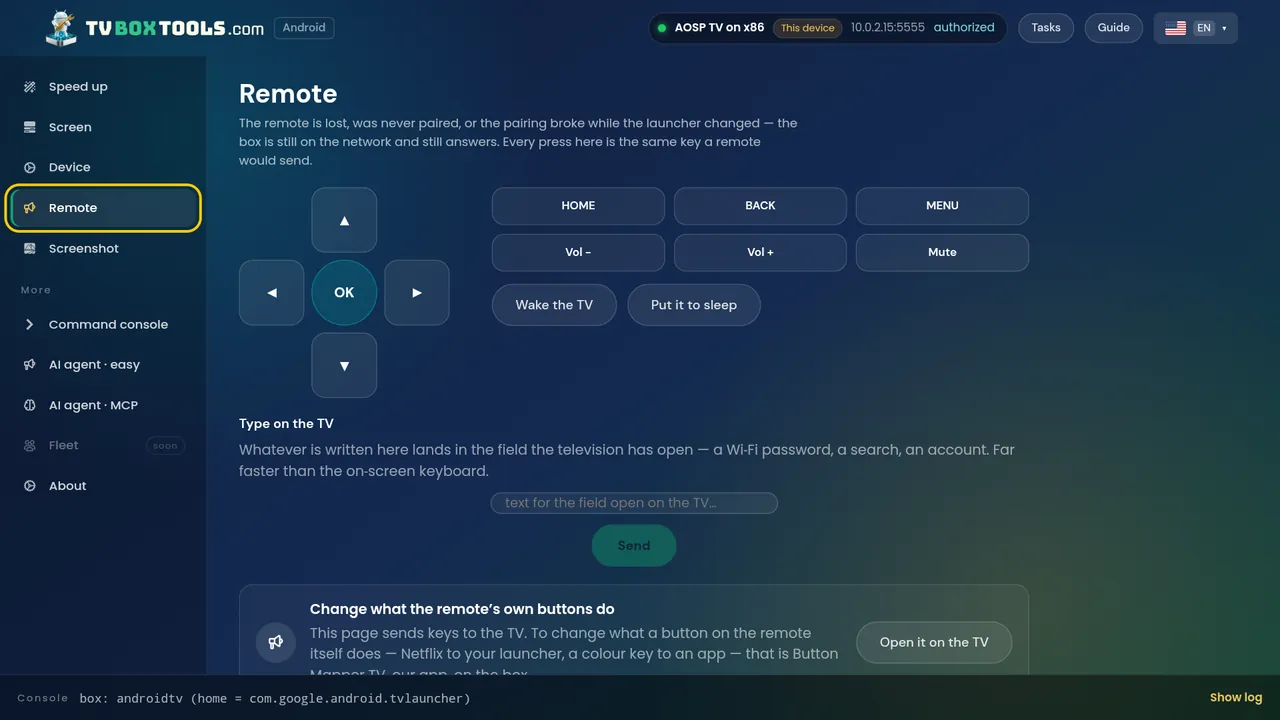
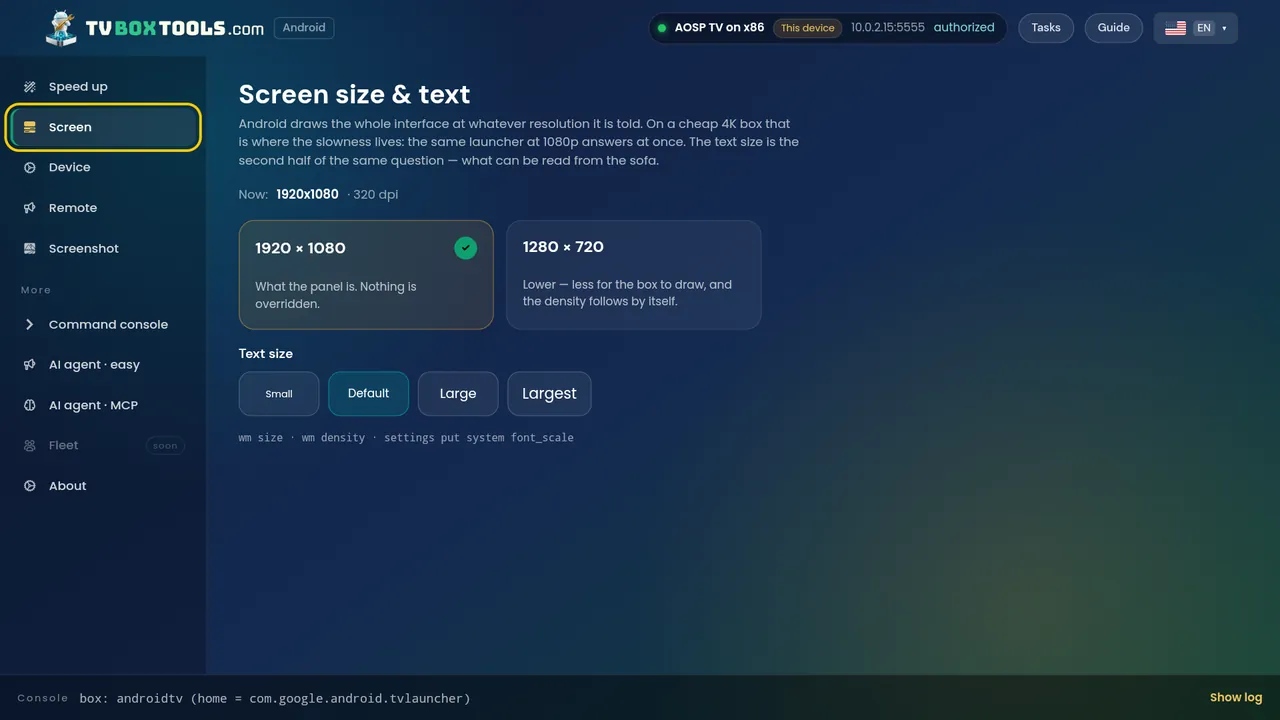
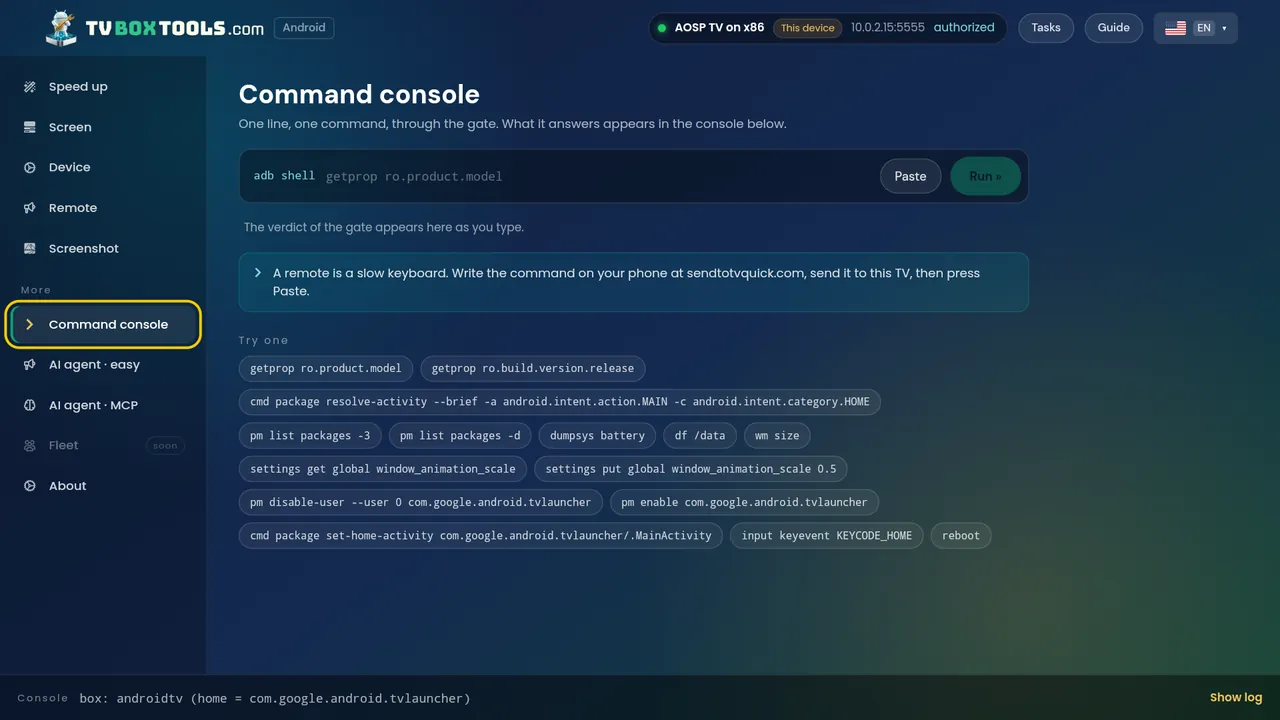
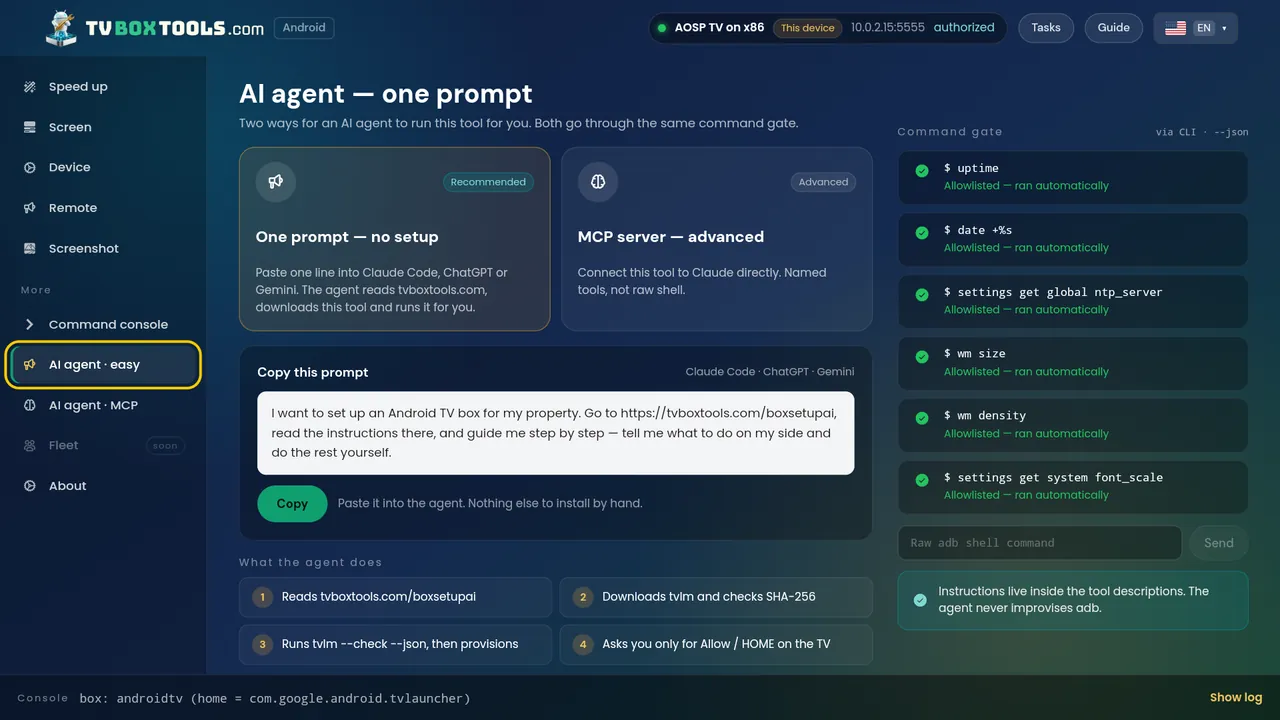
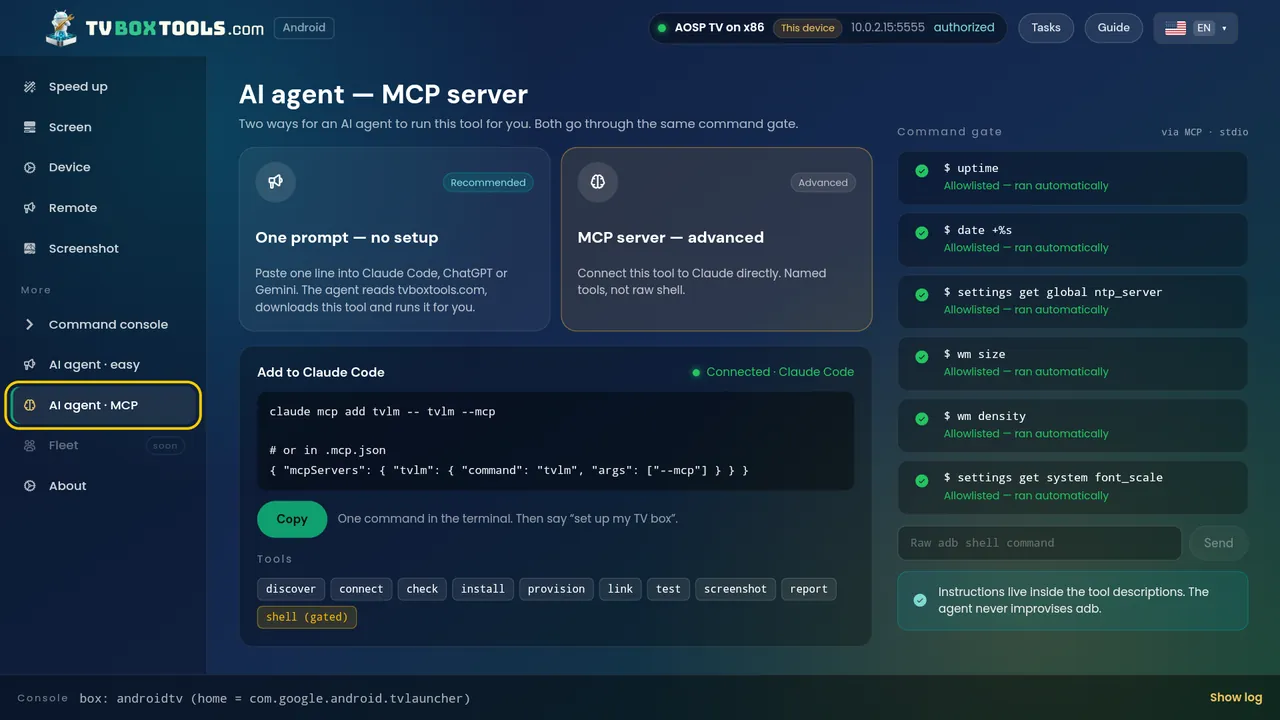
The Tasks hub: every job is one card, labelled reversible, read-only or gated.Box check — read only, nothing has changed yet.The three debugging routes, with the TV's own menus pictured.Developer mode: Build ×7, shown on the real TV screen.Finding the box on the network — or by IP.Which launcher opens on HOME — keep the current one, or pick.Speed up: animations off, the apps themselves untouched.Resolution, density and text size — with the safe choices listed.Device info: the card you paste into a support mail.A full remote when the real one is lost — arrows, HOME, typing.See the TV screen right now, over the same connection.The console, behind the gate: the verdict appears as you type.The property path: which app will be in control — Hotel TV recommended.AI agent: one prompt, or an MCP server — same command gate.
On the TV itself
The same tool running on the TV itself, driven by the remote.Box check, on the TV.The wizard on the TV, with the settings screens pictured.Finding boxes from the TV — this device and the others.
On your computer
The desktop app: remote.The desktop app: screen size and text.The desktop app: the console, with the gate's verdicts in the log.
For AI agents
One prompt for an AI agent, with the command log alongside.The MCP server: named tools, not raw shell — behind the same gate.
Like what you see?
Free · Open source · No account · Undo with one tap